HookGenius · Suno reference
50+ Suno Instrumental Prompts That Actually Stay Vocal-Free
Instrumental & cinematic prompts for Suno — no vocals, lush arrangements, the system that gets it right.
You shouldn’t have to learn any of this.
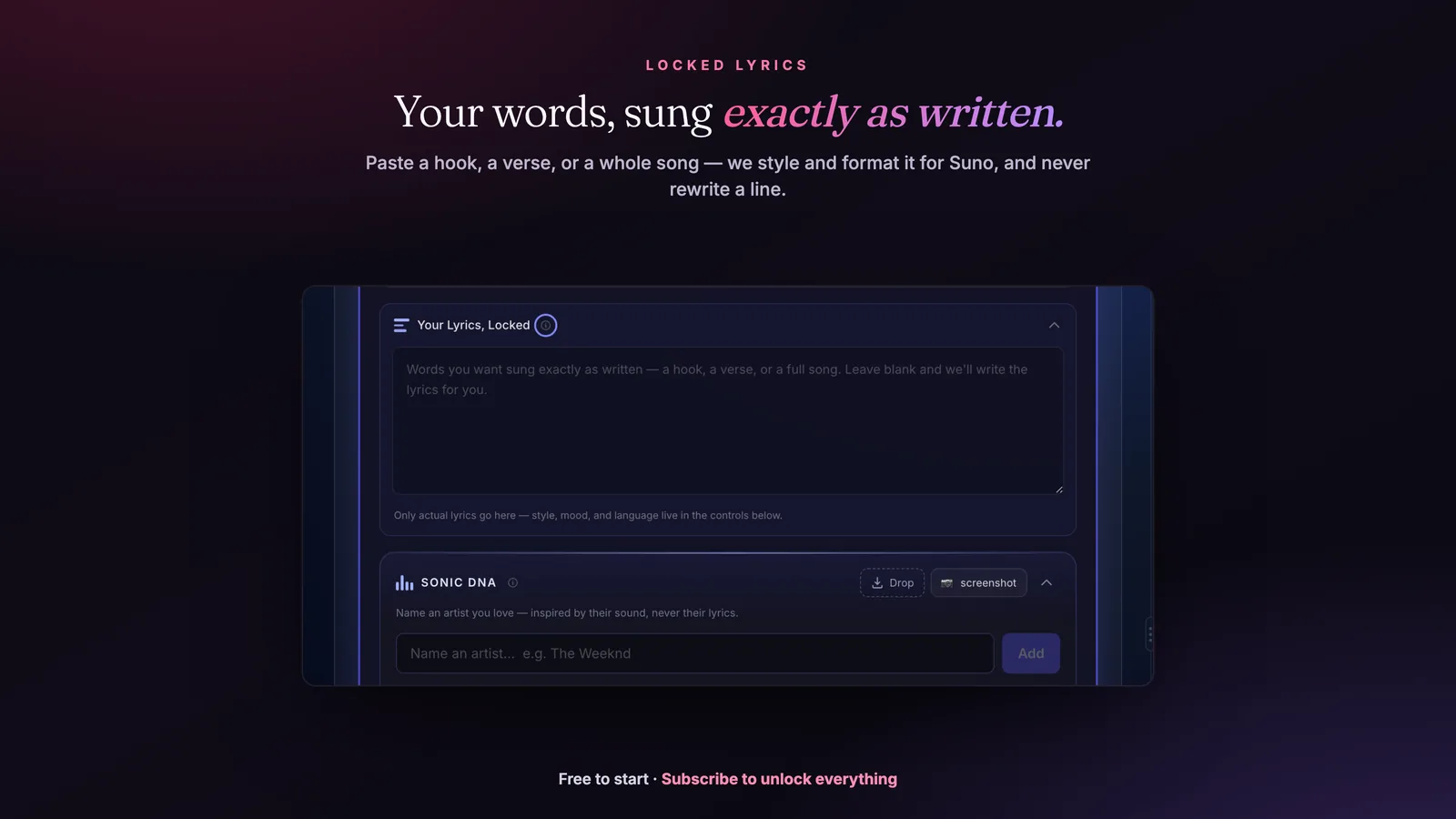
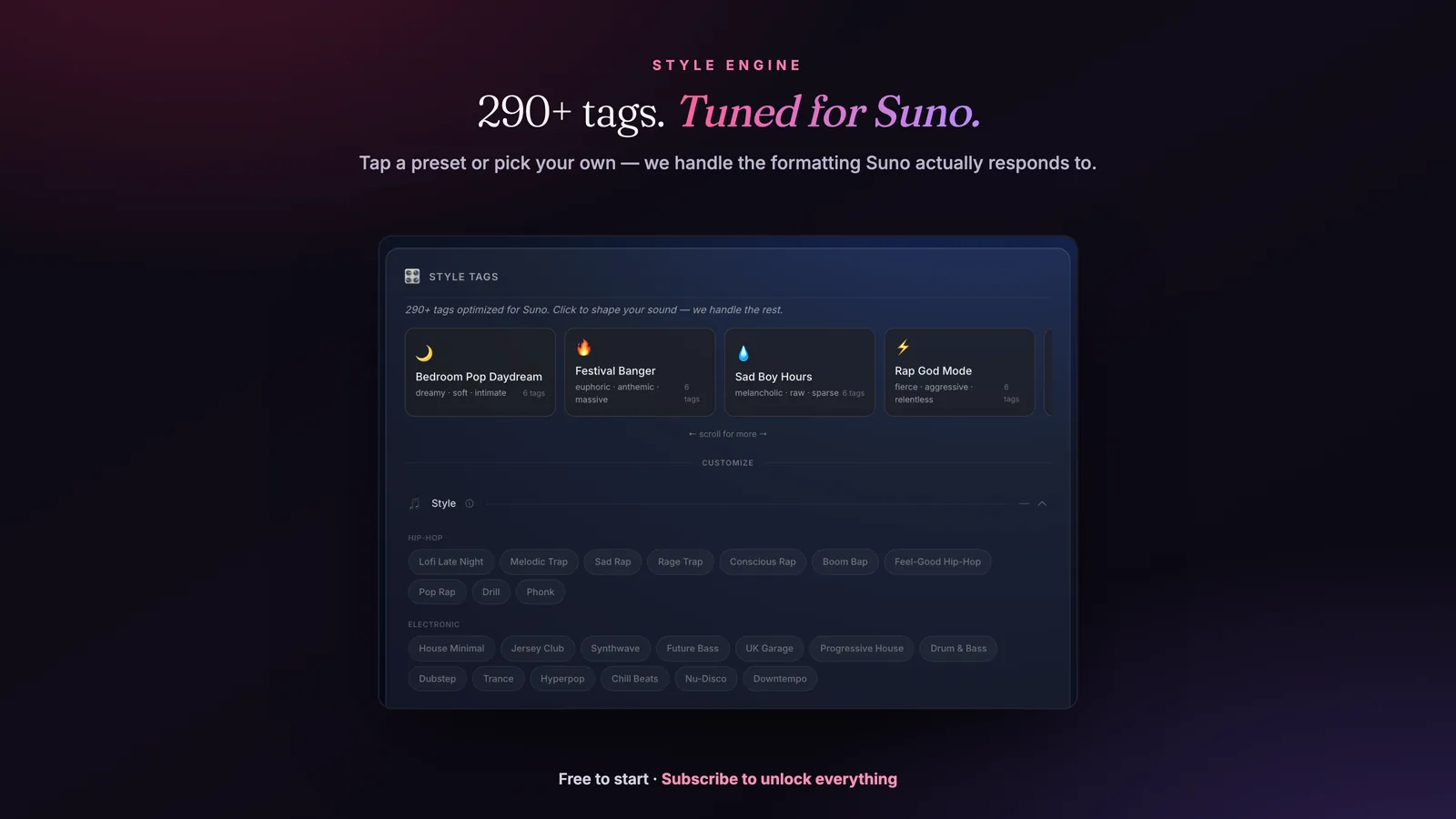
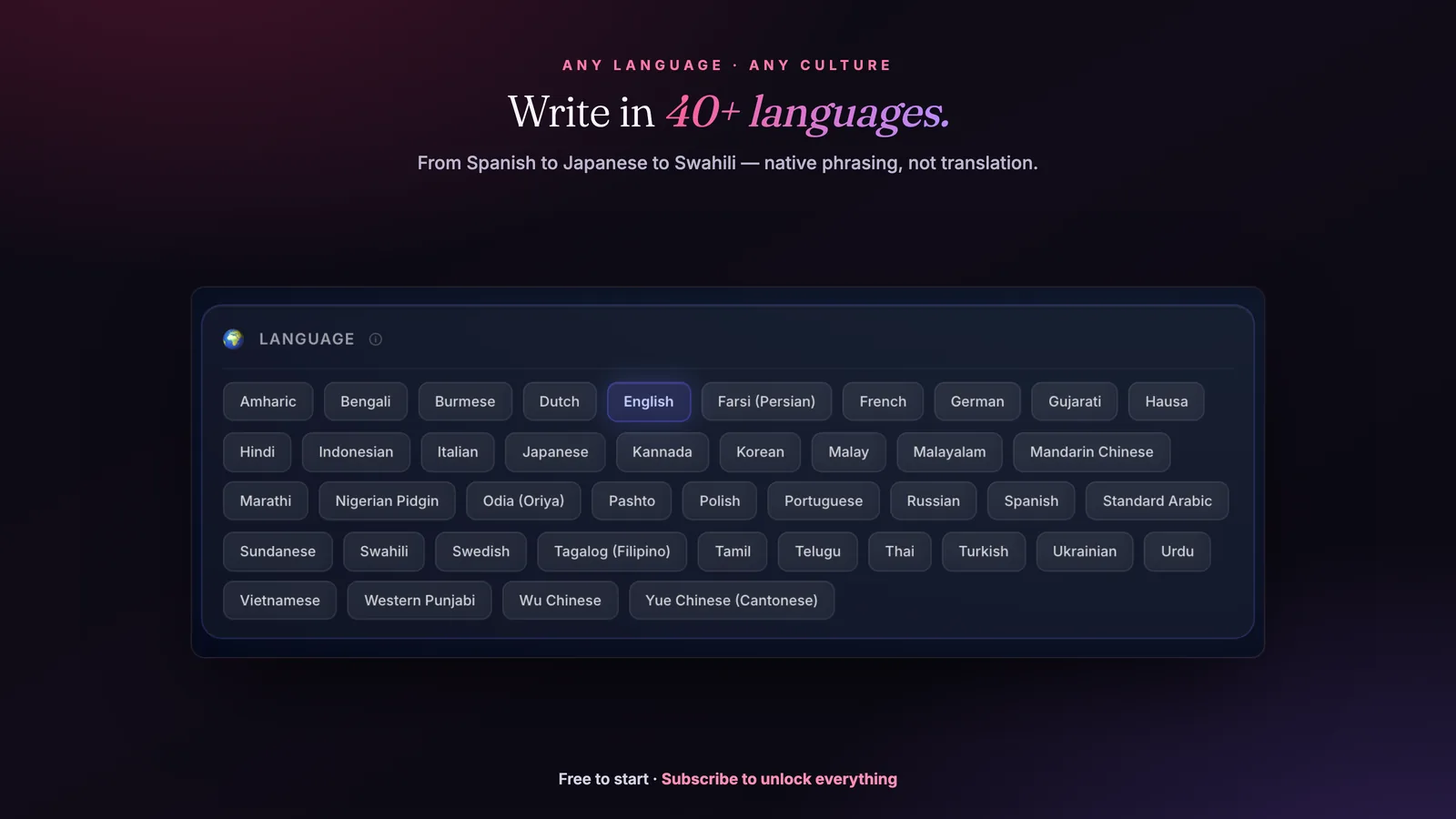
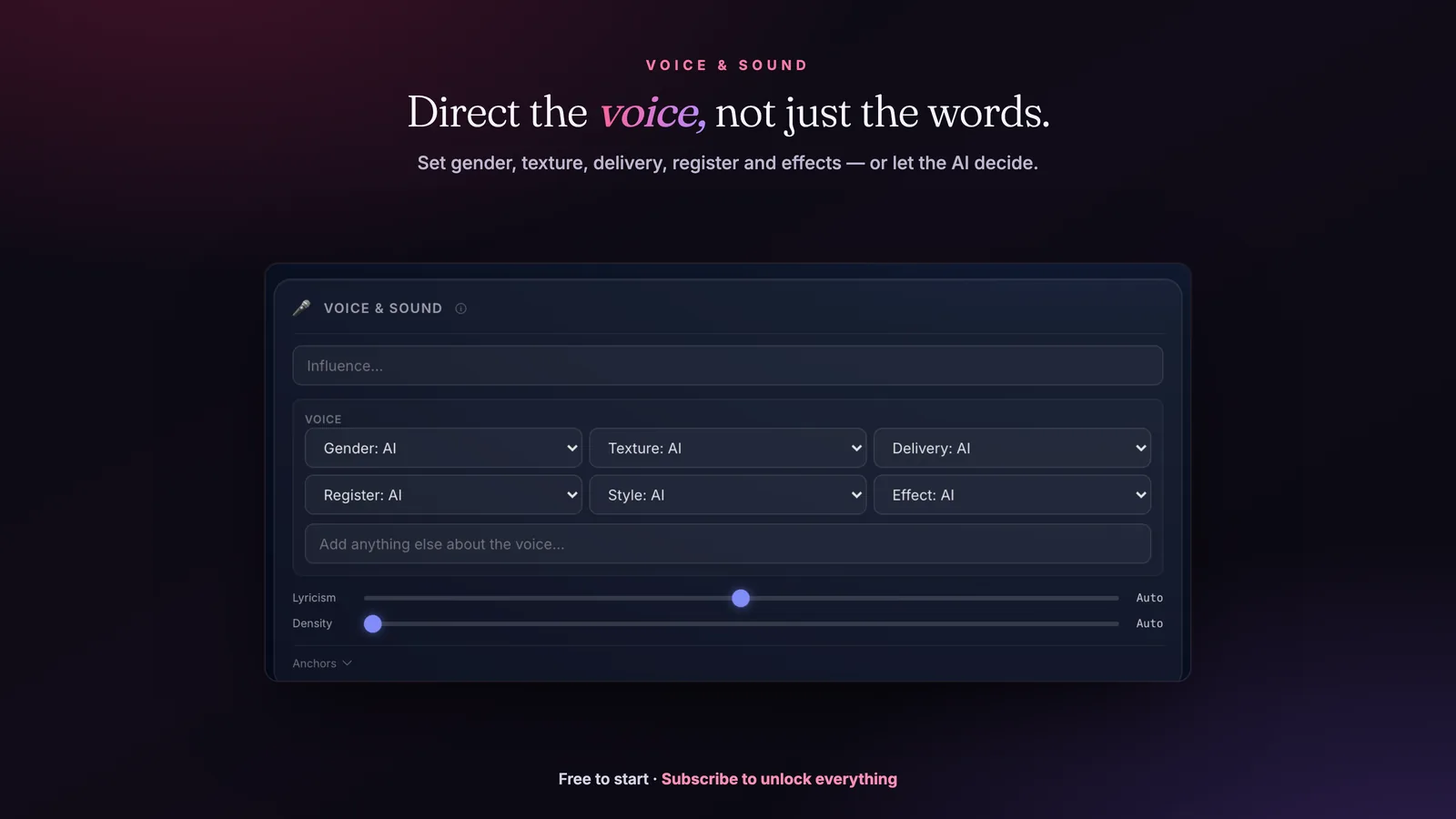
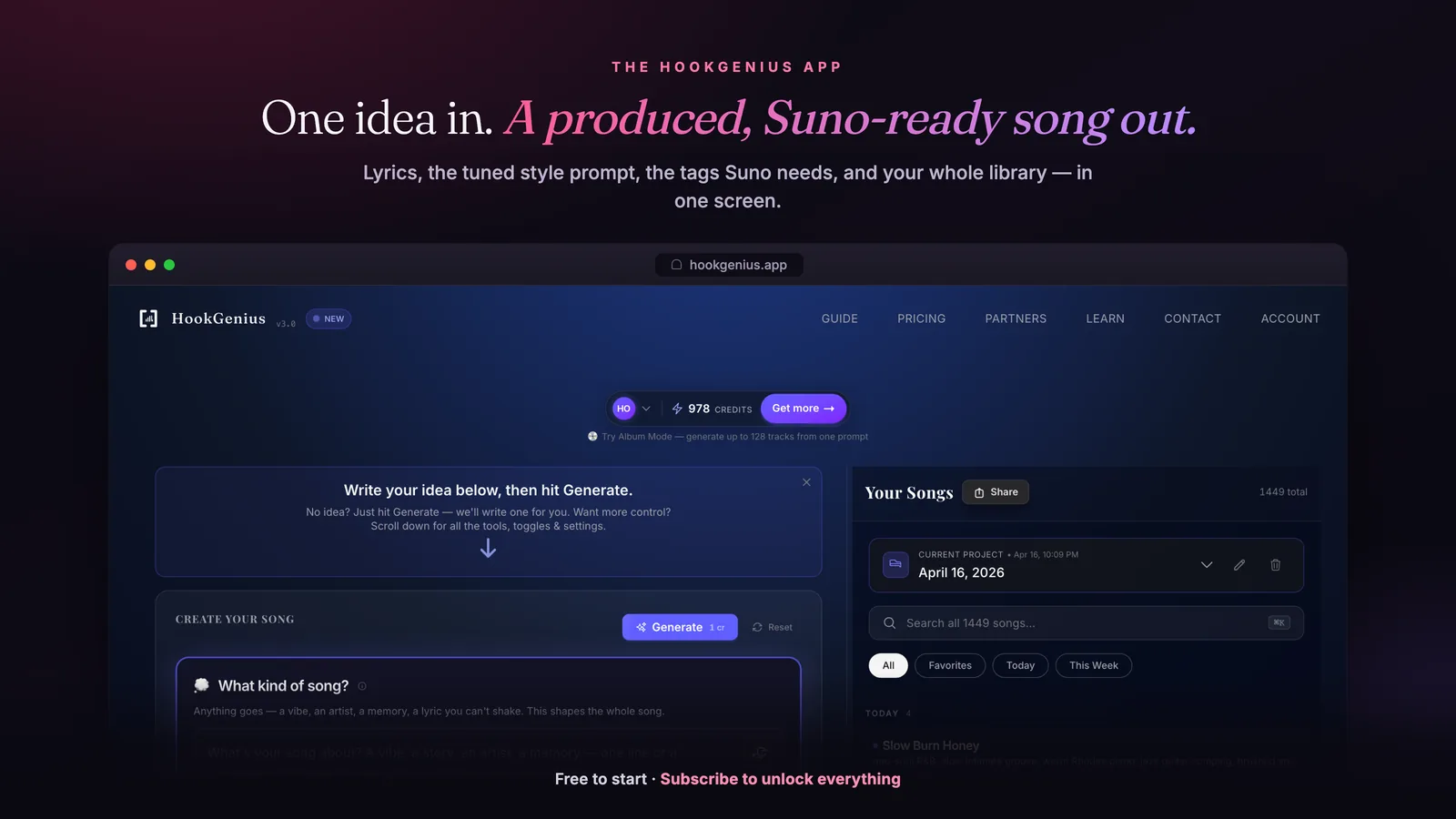
That’s what the app is for. Give HookGenius one word or your whole vision — the language, the genre, the instruments, even your own finished lyrics — and it writes release-ready lyrics + a tuned Suno style prompt that beats anything you’d build by hand.
Most Suno tracks are trash. Your first copy-paste will blow your mind.
5 free songs · no card · ~30 seconds each
412-page book · +25 app credits · yours forever
A clean Suno instrumental prompt pairs the [No Vocals] tag with genre, instrumentation, BPM, and production cues so the model drops the vocals and keeps the groove. HookGenius writes studio-grade instrumental prompts written for Suno.
Not every track needs vocals. Whether you're making beats to sell, background music for content, or ambient soundscapes, this guide gives you the exact prompts to generate clean instrumentals with Suno AI.
HookGenius is the pre-production engine for AI music — the professional prompt, lyrics, and title generator creators use to get the best output from Suno and other AI platforms.
![A real HookGenius result — formatted lyrics ([Female Vocal — smoky alto], [Verse 1] 'You pour yourself like Sunday morning…') and a matching Suno style prompt, with a 'Copy for Suno' button ready to paste.](/app-gallery/output.webp)
Last updated: February 2026
Quick answer — the tags Suno reads:
Add [no vocals] or [instrumental only] at the start of your style prompt, and put [Instrumental] in the lyrics field (or leave it empty). Both bracket tags work in Suno v4 and v5. The full recipes for every genre are below.
To understand the fundamentals, read our guide on how Suno prompts work.
Want Instrumental music that actually sounds pro? You don’t have to write a word.
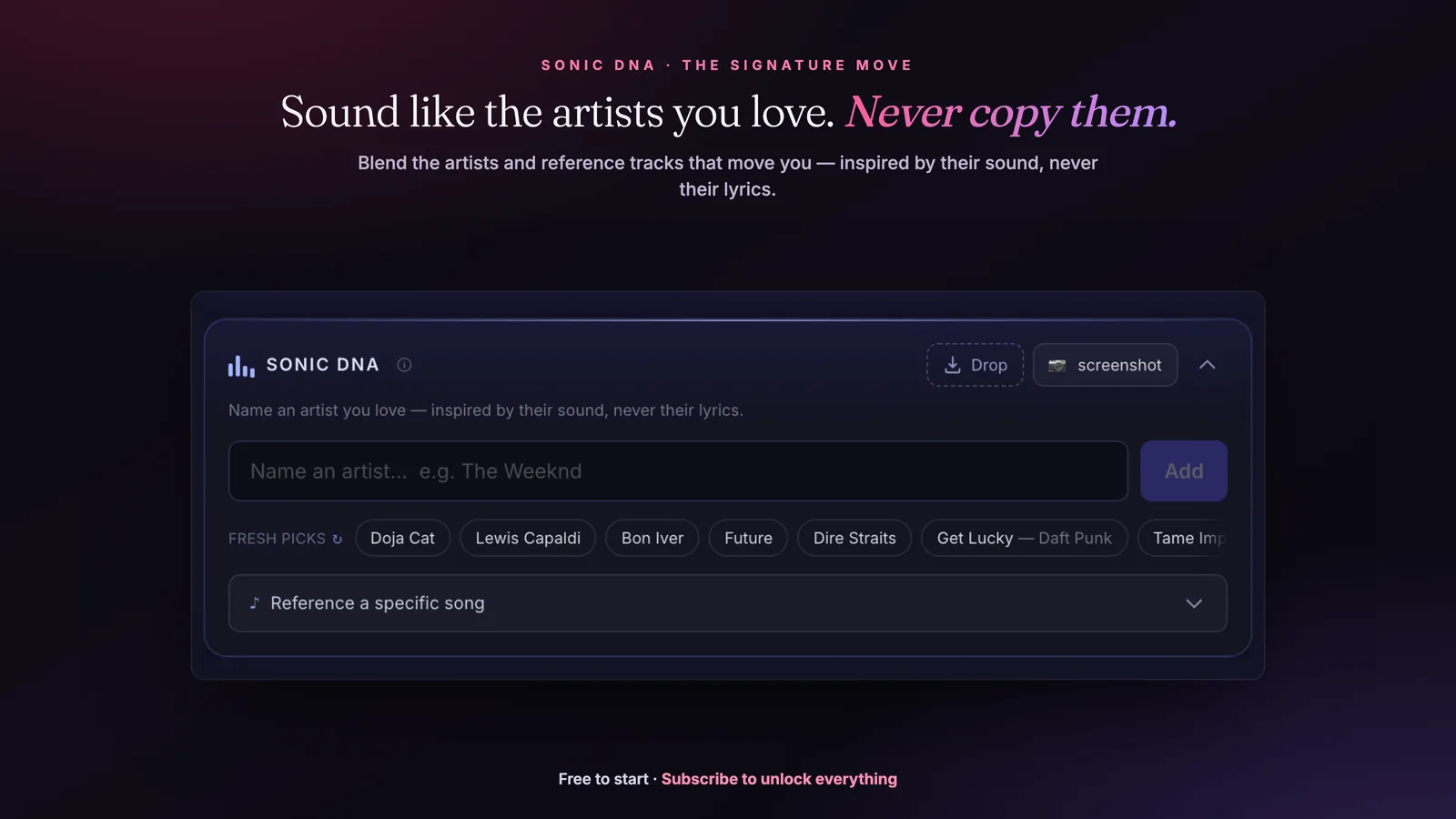
You don’t need to know a single instrumental prompt. Name a sound you love — HookGenius writes it for you, inspired by it, never a copy. Two ways in:
Name an instrumental artist or a track you love, and Sonic DNA writes that sound for you — inspired by it, never a copy. No prompt-engineering.
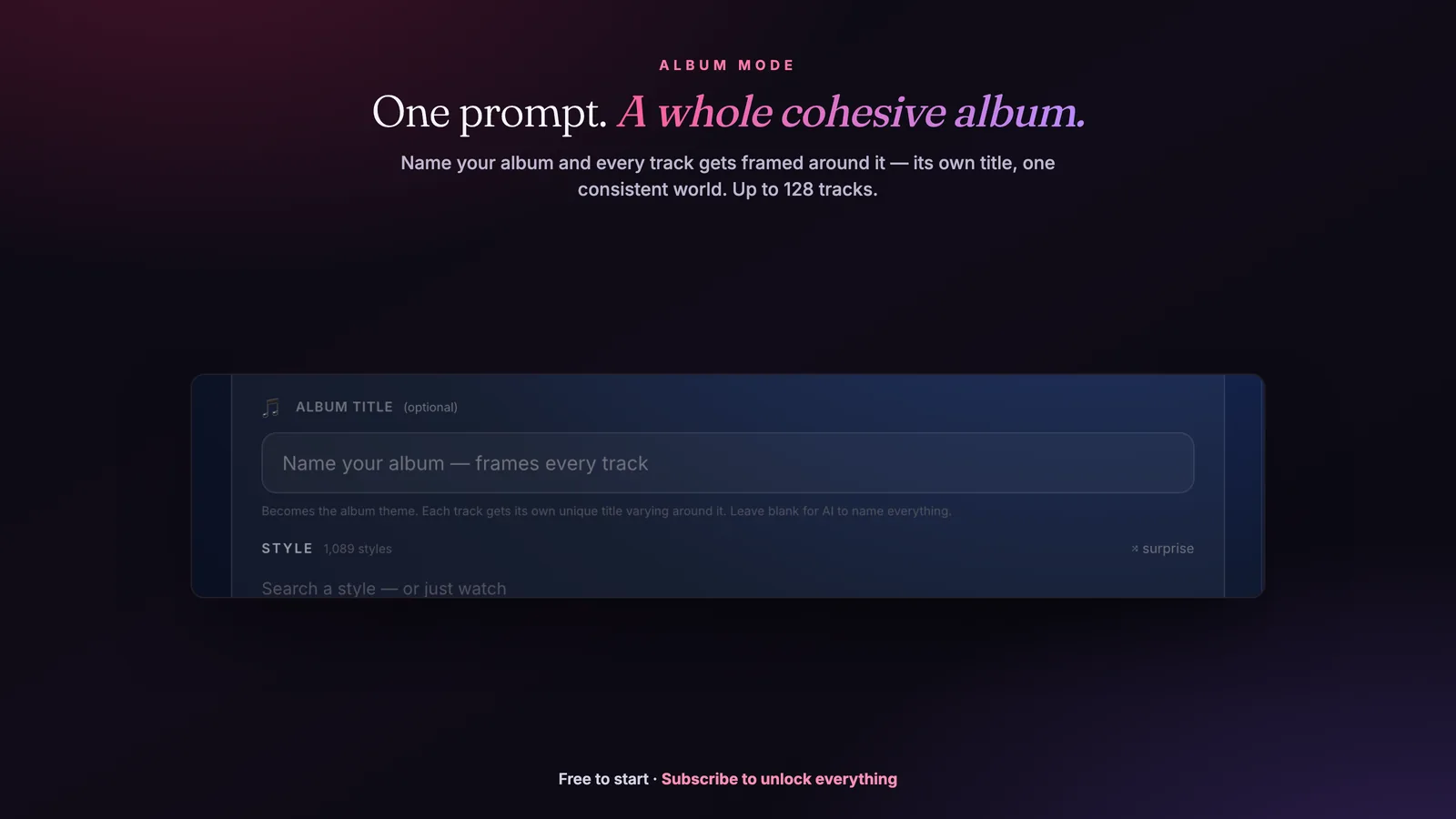
Pick an instrumental style, hit Album Mode, write nothing — and get a full album in that sound.
5 songs free · no card · inspired by the sound, never copied
How do I get instrumentals in Suno?
Three methods to ensure Suno generates instrumental-only tracks:
Method 1: "No Vocals" in Style Prompt
Add "no vocals" or "instrumental" prominently in your style prompt. Place it early for best results.
Method 2: Empty Lyrics Field + Tags
Leave the lyrics field completely empty, or use only instrumental tags:
[Verse - Instrumental]
[Chorus - Instrumental]
[Outro - Fade]
Method 3: Negative Prompting (v5)
In Suno v5, explicitly exclude vocal elements:
Best practice: Combine all three methods for the cleanest instrumental output. Use "no vocals" in your style prompt, leave lyrics empty or use [Instrumental] tags, and add negative prompts if vocals still appear.
What Suno beat prompts work for each genre?
Trap Beats
Hard Trap
Melodic Trap
Drill Beat
Lo-Fi Beats
Lo-Fi Hip Hop
Lo-Fi Jazz
Lo-Fi Ambient
Boom Bap / Classic Hip Hop
90s Boom Bap
Soulful Boom Bap
Electronic / EDM
Future Bass
Deep House
Synthwave
Techno
Ambient / Atmospheric
Cinematic Ambient
Dark Ambient
Space Ambient
Orchestral / Cinematic
Epic Orchestral
Emotional Strings
Action Score
Acoustic / Organic
Acoustic Guitar
Piano Solo
Jazz Instrumental
Background / Functional Music
Corporate Background
YouTube Background
Podcast Intro
How do I remove vocals from existing Suno tracks?
If you generated a track with vocals and want an instrumental version:
Using Suno Studio
- Open your track in Suno Studio
- Click "Stems" to separate the track
- Download only the instrumental stems: Drums, Bass, and Other
- Skip the Vocals stem
- Combine the instrumental stems in your DAW if needed
Pro Tip: Studio's stem separation works well for AI-generated tracks. The "Other" stem contains melodic elements like synths, guitars, and keys—combine it with Drums and Bass for a clean instrumental.
What are best practices for Suno instrumental prompts?
Be Specific About Instruments
Don't just say "electronic"—list the instruments you want:
Include Production Descriptors
Describe the sound quality you want:
- Lo-fi: "vinyl crackle, tape warmth, dusty, analog"
- Clean: "polished, modern production, crisp, radio-ready"
- Raw: "unpolished, garage recording, rough around the edges"
- Spacious: "wide stereo, lots of reverb, atmospheric"
Specify Tempo and Energy
Instrumentals benefit from clear tempo and energy direction:
- Exact BPM: "128 BPM", "85 BPM", "140 BPM"
- Energy level: "laid-back", "driving", "building intensity"
- Dynamics: "consistent energy", "builds to climax", "ebb and flow"
Can I sell Suno-generated instrumental beats?
Suno instrumentals can be sold on beat marketplaces with a paid subscription:
Where to Sell
- BeatStars: Largest beat marketplace
- Airbit: Good alternative with solid tools
- Your own website: Higher margins, full control
Licensing Tiers
| License | Typical Price | Rights |
|---|---|---|
| MP3 Lease | $20-30 | Limited streams, non-exclusive |
| WAV Lease | $50-75 | Higher quality, more streams |
| Trackouts/Stems | $100-150 | Separated files for mixing |
| Exclusive | $200-1000+ | Full ownership transfer |
Stem Advantage: Use Suno Studio to separate stems before selling trackout licenses. Buyers expect individual drum, bass, and melody files.
It doesn’t paste your words into a template. It writes from scratch.
Give HookGenius your direction and a full AI songwriter absorbs it — genre-tuned lyrics, vocal direction, structure tags, and production style in one generation. Album mode, artist-DNA fingerprinting, a pronunciation engine, and a critic pass. The depth a year of building produces.
5 free songs · no card · ~30 seconds each
Frequently Asked Questions
How do I make Suno generate instrumentals only?
Add "instrumental" or "no vocals" to your style prompt. For best results, also add specific instrument descriptors and leave the lyrics field empty or use [Instrumental] tags. Example: "lo-fi hip hop instrumental, no vocals, jazzy piano, vinyl crackle, chill beats".
What's the best prompt for beats in Suno?
For beats, be specific about the style and drums: "trap beat, hard-hitting 808s, crisp hi-hats, dark melody, no vocals, 140 BPM". Include the genre, drum style, melodic elements, and always specify "no vocals" or "instrumental".
Why does Suno add vocals when I want instrumental?
Make sure you're not putting lyrics in the lyrics field—leave it empty or use only [Instrumental] tags. Also ensure "no vocals" or "instrumental" appears prominently in your style prompt, ideally near the beginning.
Can I use Suno instrumentals for beat selling?
Yes, with a paid Suno subscription (Pro or Premier), you have full commercial rights. You can sell beats on BeatStars, Airbit, or your own website. The beats are yours to license however you want.
How do I remove vocals from an existing Suno track?
Use Suno Studio's stem separation feature. Load your track, click "Stems", and download only the instrumental stems (drums, bass, other). The vocals stem can be discarded, leaving you with a clean instrumental.
What BPM should I use for different genres?
Common ranges: Lo-fi (70-90 BPM), Boom Bap (85-95 BPM), Trap (130-150 BPM), House (120-130 BPM), Techno (125-135 BPM), Drum and Bass (160-180 BPM). Include exact BPM in your prompt for better results.
Want to master Suno — not just instrumentals?
The Suno Mastery Guide is the complete reference — 61 genre blueprints, 41 artist profiles, the full system, and the 13 fixes for the ways Suno fails. Updated September 2026.
412-page book · +25 app credits · yours forever
Generate Instrumentals Instantly
HookGenius creates optimized Suno prompts for any instrumental style — lo-fi beats, cinematic scores, ambient textures. No vocals, just music. 5 free songs, no credit card.
Create Instrumentals Free →The Complete Suno Reference
333 style tags, 50+ genre breakdowns, vocal control, troubleshooting — everything in one PDF. The Suno Mastery Guide.
Get the Guide — $29