Kids music prompts for Suno — bouncy sing-alongs with clapping, gentle music-box lullabies, educational ABC songs. The complete method, mapped:
- ✓72 genre blueprints + 20 tag recipes — describe any sound
- ✓The full system + 18 fixes for the ways Suno fails
- ✓+25 HookGenius app credits included
HookGenius is an independent product and is not affiliated with, endorsed by, or sponsored by Suno, Inc.
See inside first →✓ See a sample chapter first · ✓ Instant PDF · ✓ Lifetime updates · ✓ +25 app credits
The book is the method. The app runs the method for you. Want the method run for you? HookGenius writes your first song → 5 songs to start · no card · ~30 seconds each
TL;DR
- Optimize prompts for kids format and energy requirements
- Specify instrumental vs vocal based on your use case
- Match production quality to professional standards
kids music, singalong, simple melody, bouncy beat, fun lyrics, cheerful, clapping, educational, bright
Kids music on Suno splits by format and energy: high-energy sing-alongs with simple melodies, bouncy beats, and clapping; gentle music-box lullabies for sleep; and educational ABC and counting songs built on repetition. Each needs its tempo and energy set on purpose, with clean production stated as a target. HookGenius writes the full style prompt and structured, child-friendly lyrics in about 30 seconds.
Last updated: May 2026
Creating music for kids with Suno requires prompts that account for fun educational songs, singalong melodies, child-friendly energy. These templates are designed for practical kids applications — each one is ready to copy-paste directly into Suno.
HookGenius is the pre-production engine for AI music — the professional prompt, lyrics, and title generator creators use to get the best output from Suno and other AI platforms.
Try It Free — 5 Songs Included
Generate complete lyrics + style prompts optimized for Suno. Sign in with Google, see results in 30 seconds.
Generate Your First Song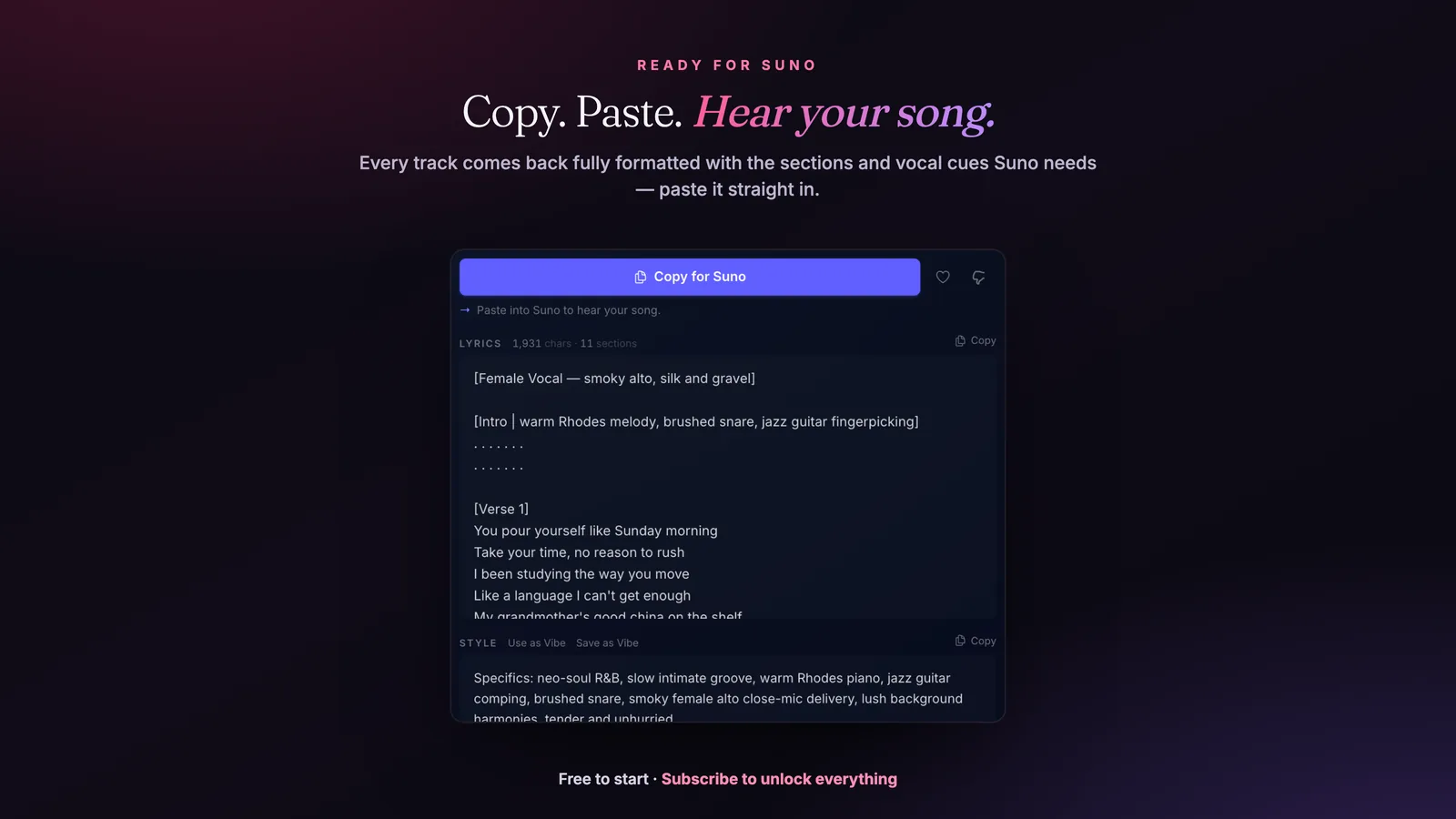
Copy/Paste Prompts
kids music, singalong, simple melody, bouncy beat, fun lyrics, cheerful, clapping, educational, bright
lullaby, gentle, soft music box, tender vocals, sleepy, calming, nurturing, simple melody, warm
kids dance party, energetic, fun beat, silly sounds, jumping music, celebration, colorful, playful
educational song, catchy melody, repetitive structure, easy to remember, fun learning, bright, engaging
kids adventure, playful orchestra, curious melody, storytelling, magical, whimsical, exciting, imaginative
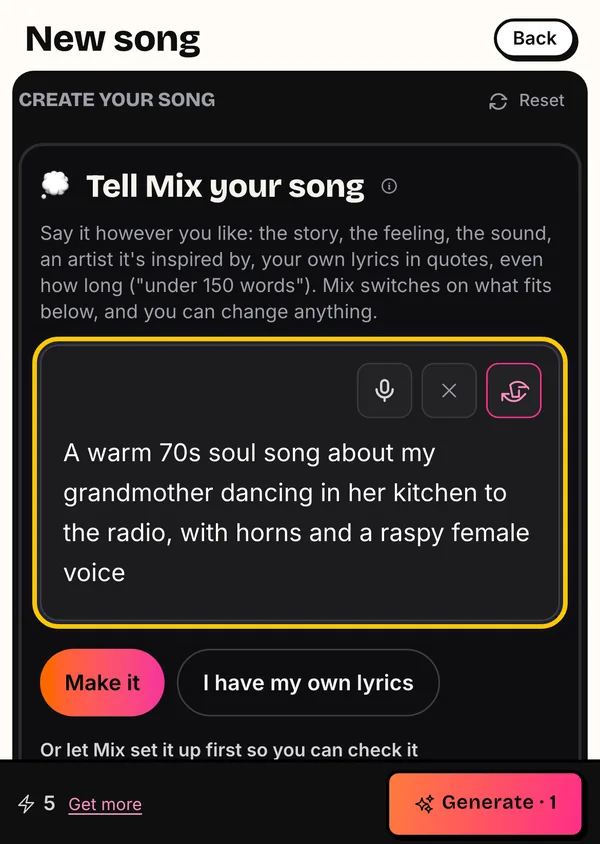
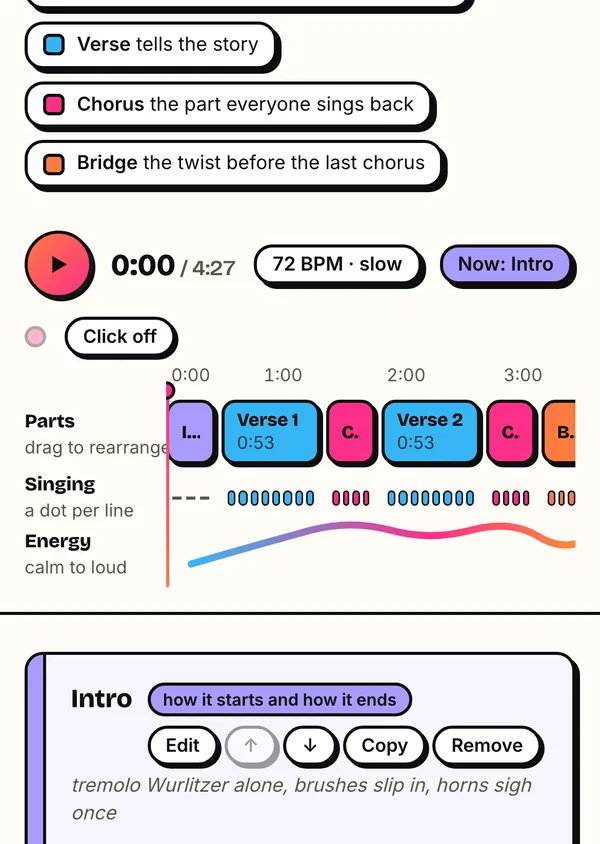
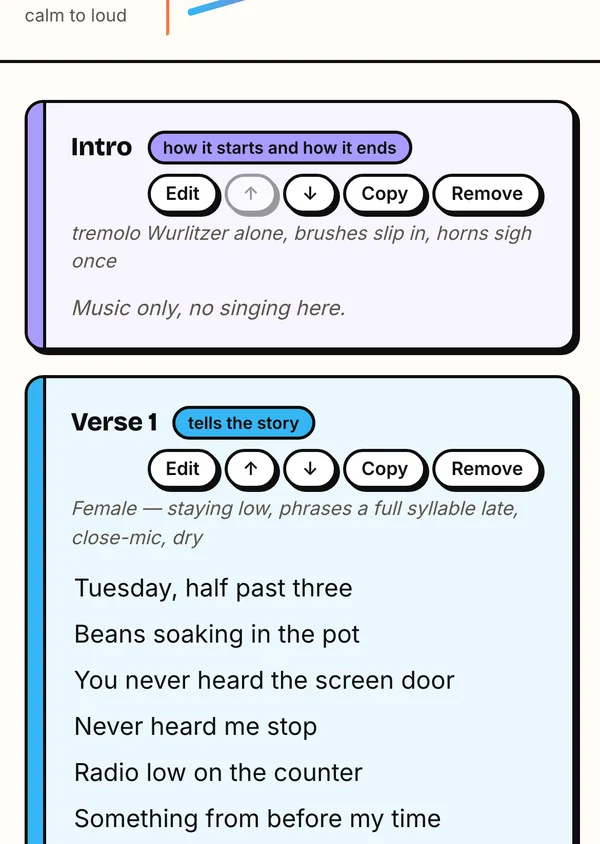
One sentence in. The whole song out.
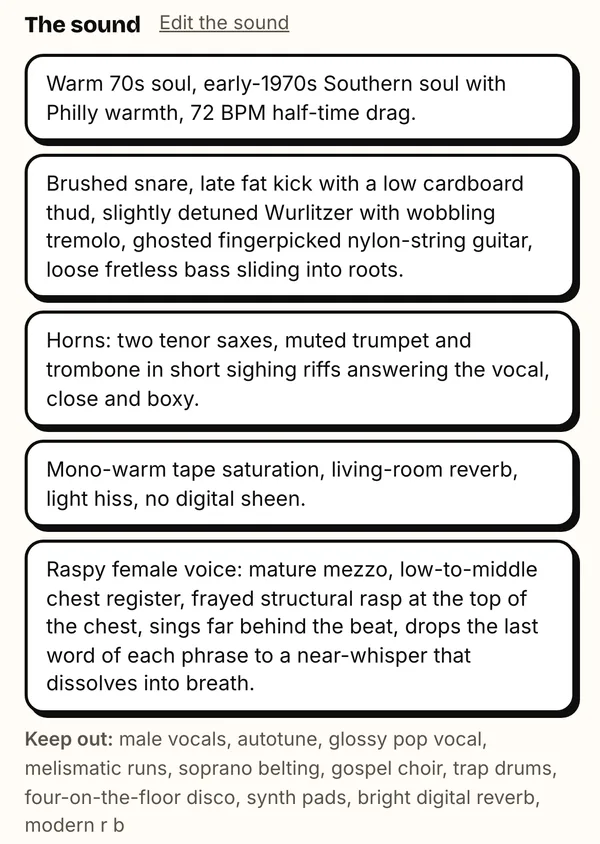
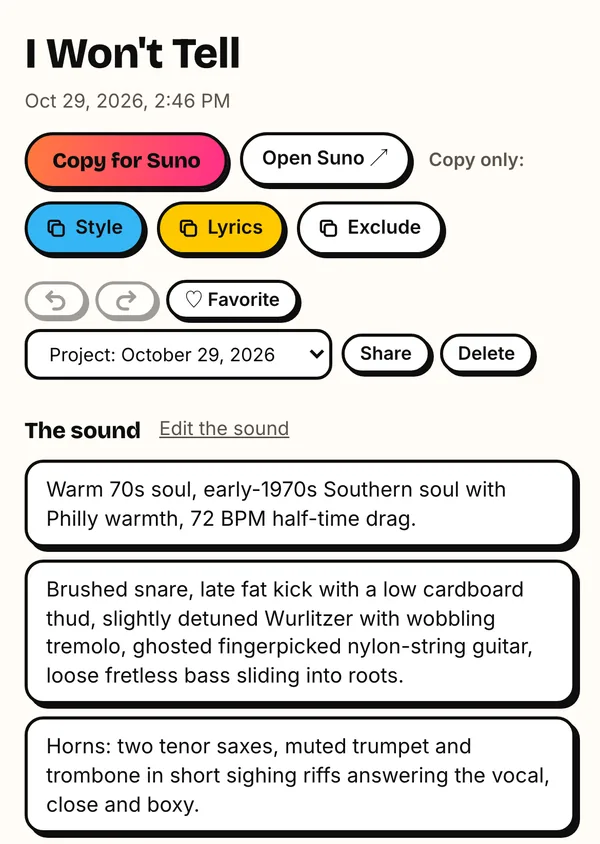
HookGenius Studio writes the lyrics, the voice and the sound for every part, ready to paste into Suno.
 Write my song
 Write my song
 Write my song
 Write my song
 Write my song
Common Mistakes
- Not considering kids format requirements: Kids content has specific length, energy, and production needs that generic prompts miss
- Forgetting the practical use context: Music for kids serves a specific function — it needs to work in that environment
- Using vocals when instrumental works better: Many kids applications work better with instrumental tracks to avoid distraction
- Wrong energy level for the use case: Kids music needs precisely calibrated energy — too much or too little breaks the experience
- Ignoring licensing considerations: Check Suno licensing terms for commercial use — not all plans allow commercial applications
Quick Fixes
| Problem | Fix |
|---|---|
Track too long for kids |
Specify duration in creative direction or edit after generation |
Too distracting |
Add: background music, subtle, non-intrusive, supporting role |
Not professional enough |
Add: polished, professional production, clean mix, broadcast quality |
Doesnt match kids vibe |
Review kids-specific templates and adjust genre and mood tags |
Inconsistent energy |
Use consistent mood tags throughout and avoid contradicting descriptors |
Want Kids music that actually sounds pro? You don’t have to write a word.
You don’t need to know a single kids music prompt. Describe the sound you hear in your head — HookGenius writes the song from it.
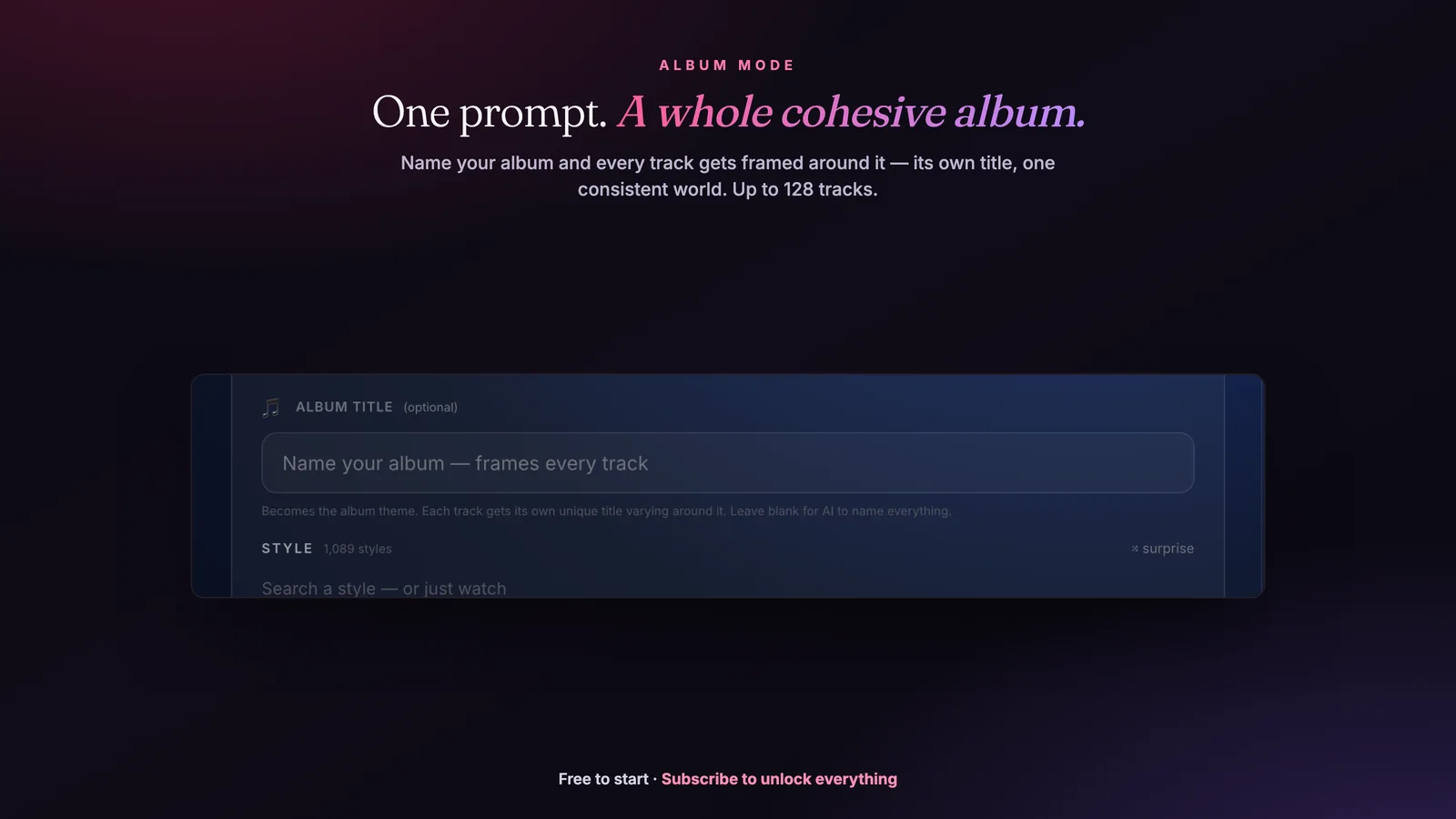
Pick a kids music style, hit Album Mode, write nothing — and get a full album in that sound.
5 songs to start · no card needed
Frequently Asked Questions
How do I make kids music with Suno?
Use genre and mood tags optimized for kids content. fun educational songs, singalong melodies, child-friendly energy. Start with one of the templates above and customize the genre to match your specific needs. Consider whether you need vocals or instrumental, and always specify the energy level.
What genre works best for kids in Suno?
It depends on your specific kids context. Singalong Fun uses "kids music, singalong, simple melody" while Dance Party Kids takes a different approach. Try multiple genre-mood combinations to find what fits your project best.
Can I use Suno-generated music for kids commercially?
Check Suno's current licensing terms for commercial use. Pro and Premier plans typically include commercial rights. The specific usage rights depend on your Suno subscription tier. Always verify before publishing or distributing kids content with AI-generated music.
Should I use instrumental or vocal kids music?
It depends on the context. For background kids music, instrumental often works better to avoid distraction. For featured or standalone content, vocals add personality. Add "instrumental" or "no vocals" to your prompt if you want a vocal-free track from Suno.
What BPM is best for kids music?
BPM varies by the specific application within kids content. Higher BPM creates energy and urgency, while lower BPM creates calm and focus. Check the BPM guide for genre-specific recommendations, then adjust based on whether your kids content needs active or passive engagement.
Free Tools
Ready to Make Better Suno Songs?
5 free songs when you sign in. No credit card needed. Just describe what you want and go.
Start Generating Free