
HookGenius · Suno reference
Suno Style Tags: 333 Tags by Genre & Mood
Suno style tags are the comma-separated descriptors in the Style field — genre, mood, instrument, vocal, and production keywords that steer the model. HookGenius assembles the right tag stack for any sound, written for Suno.
- ✓61 genre blueprints + 41 artist profiles — copy the sound
- ✓The full system + 18 fixes for the ways Suno fails
- ✓+25 free HookGenius app credits included
✓ See a sample chapter first · ✓ Instant PDF · ✓ Free lifetime updates · ✓ +25 app credits
The book is the method. The app runs the method for you. Want the method run for you? HookGenius writes your first song — free → 5 songs free · no card · ~30 seconds each
Style tags are descriptors in your Suno prompt that define the sound: genre, mood, instruments, and production. Structure markers like [Verse] and [Chorus] go in the lyrics field to organize song sections. Metatags is an informal term for any tag that controls Suno's output. Understanding which tags go where—and which combinations work—is the key to consistent results. See examples of Suno prompts that actually work.
HookGenius is the pre-production engine for AI music — the professional prompt, lyrics, and title generator creators use to get the best output from Suno and other AI platforms.

![A real HookGenius result — formatted lyrics ([Female Vocal — smoky alto], [Verse 1] 'You pour yourself like Sunday morning…') and a matching Suno style prompt, with a 'Copy for Suno' button ready to paste.](/app-gallery/output.webp)
Last updated: September 2026
For a deeper understanding of prompt mechanics, see the Suno prompt fundamentals.
HookGenius Picks the Tags For You — Free
Describe the song in plain English, get back a complete Suno-ready style prompt with 8-15 tested tags in the right order. 5 free credits, no credit card.
Structure Markers
Place these in your lyrics field at the start of each section. They tell Suno how to organize the song.
Genre Tags
Define the musical style. Be specific—subgenres produce better results than broad categories.
Mood & Energy Tags
Set the emotional tone and intensity level.
Production Tags
Control the overall sound quality and texture.
Vocal Style Tags
Describe the voice characteristics you want.
What Suno tag combinations work for each genre?
Copy these proven combinations as starting points:
Try a Template in HookGenius — Free
Drop any combination above into HookGenius as creative direction. It returns a Suno-ready prompt with tested tags, vocal cues, production direction, and lyrics with section tags.
Keep the tag reference on your second monitor
Free Suno Cheat Sheet — the 60 essential tags by category, the 5-part prompt formula, 12 genre prompts. One page, copy-paste ready, no email required.
Frequently Asked Questions
How many style tags should I use?
Use 4-8 style tags for best results. Too few gives Suno too much freedom; too many can create conflicts. Focus on one tag per category: genre, mood, instrumentation, vocal style, and production quality.
Do structure tags go in the style prompt or lyrics?
Structure tags like [Verse], [Chorus], and [Bridge] go in the lyrics field, not the style prompt. Place them at the beginning of each section. The style prompt is for sonic descriptors only. For a finished one, see how to write a Suno style prompt.
What's the difference between [Verse] and "Verse:"?
Square brackets [Verse] are structure markers that Suno interprets as instructions. Writing "Verse:" as plain text may be sung as lyrics. Always use brackets for structure.
Can I create custom tags?
Suno recognizes standard structure tags and common musical descriptors. Custom tags like [My Special Section] won't be understood. Stick to recognized tags for reliable results.
Which tags does Suno ignore?
Suno may deprioritize conflicting tags (like "calm" and "aggressive" together) or overly technical terms. Keep your tags coherent and complementary for best results.
One app. Every tool you need to make it sound produced.
Each one is its own reason to subscribe.
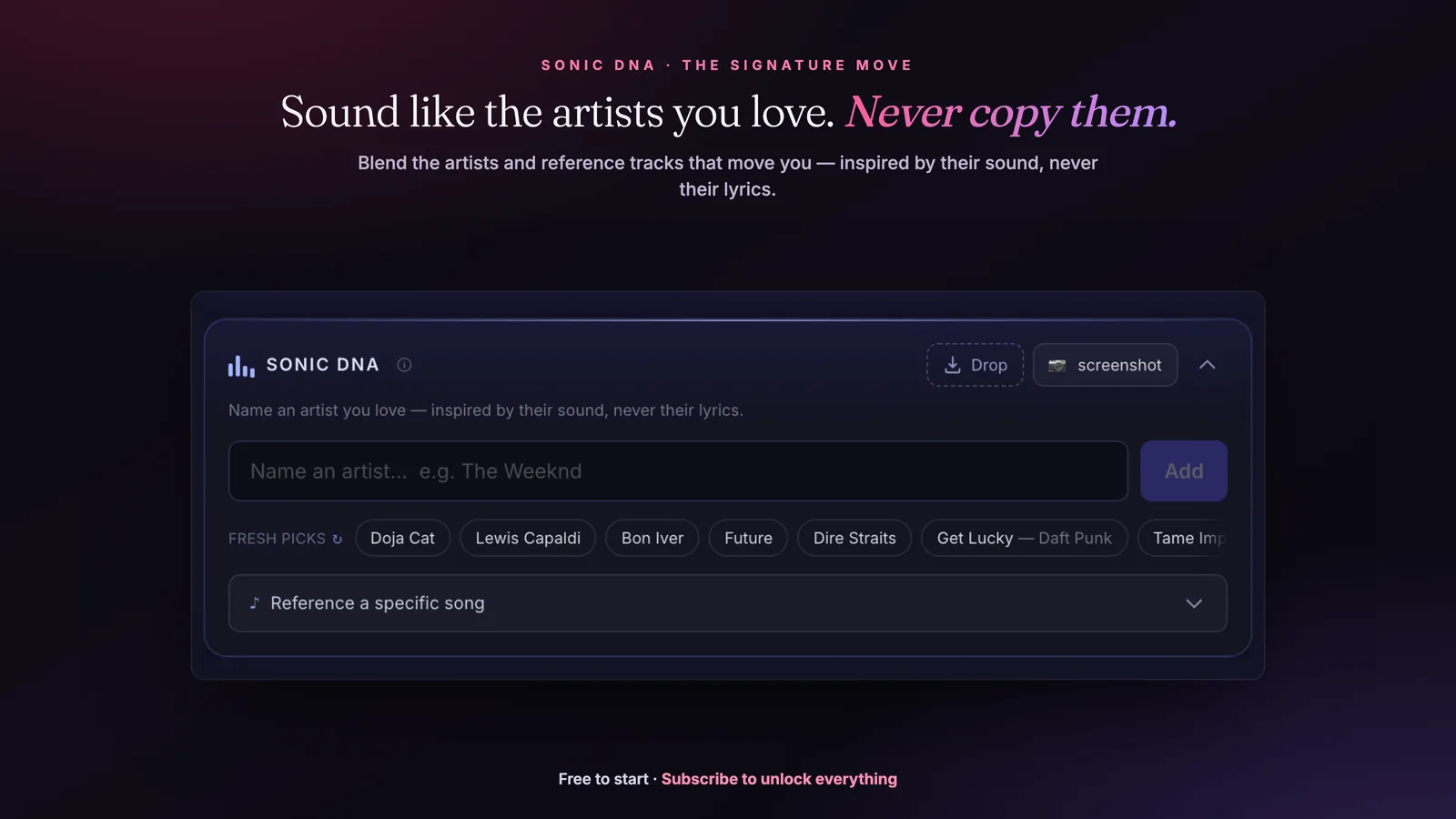
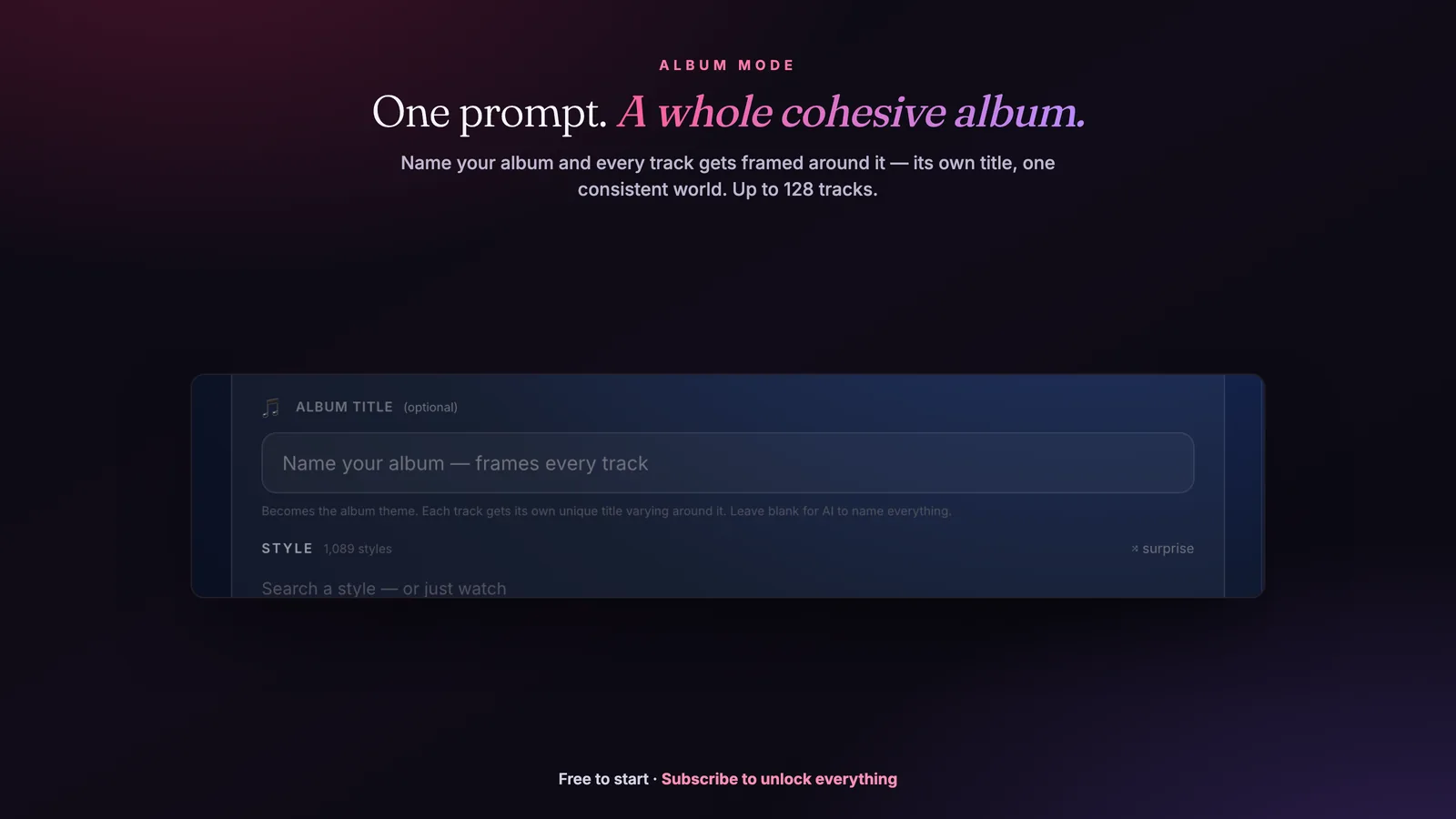


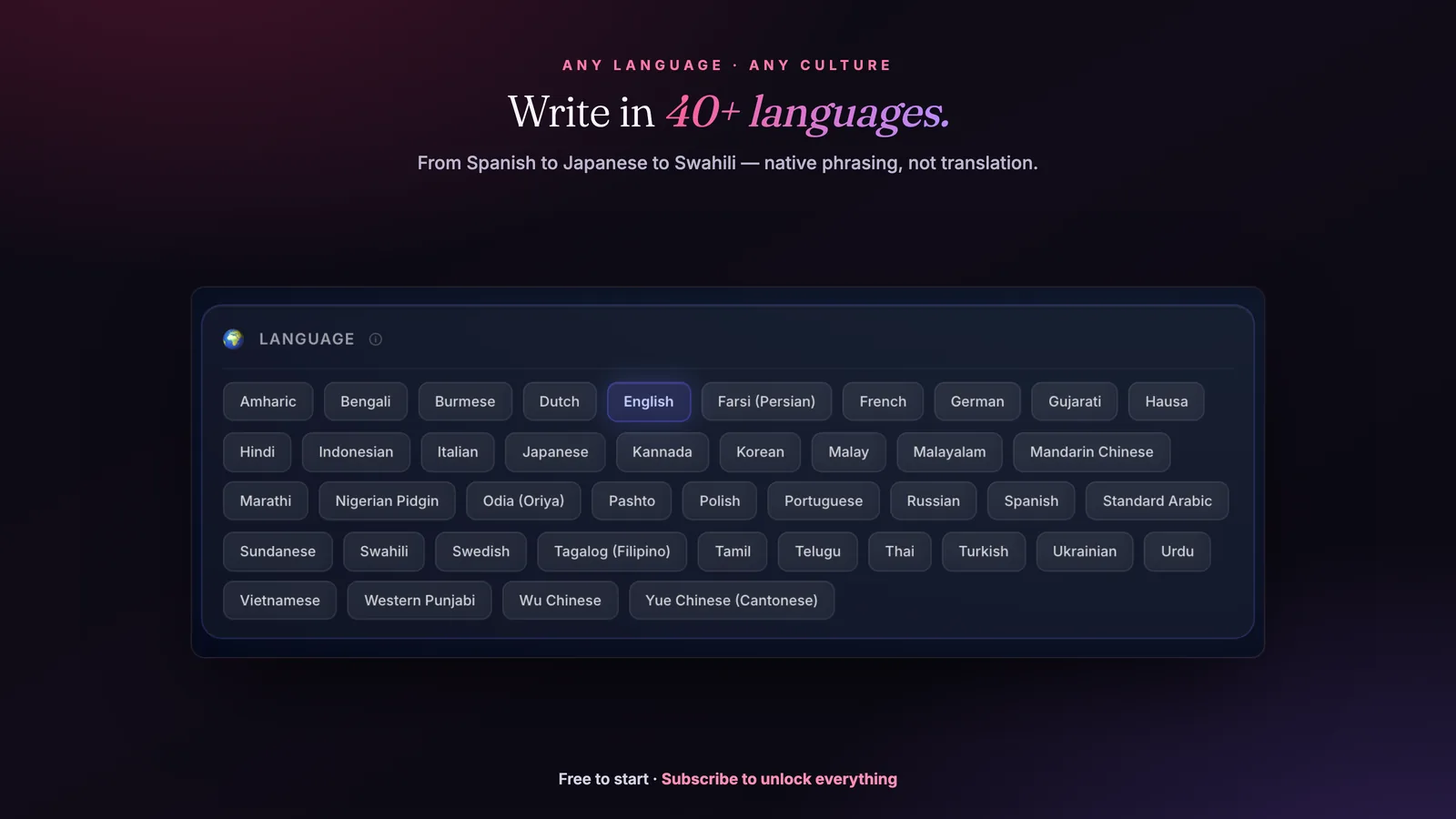
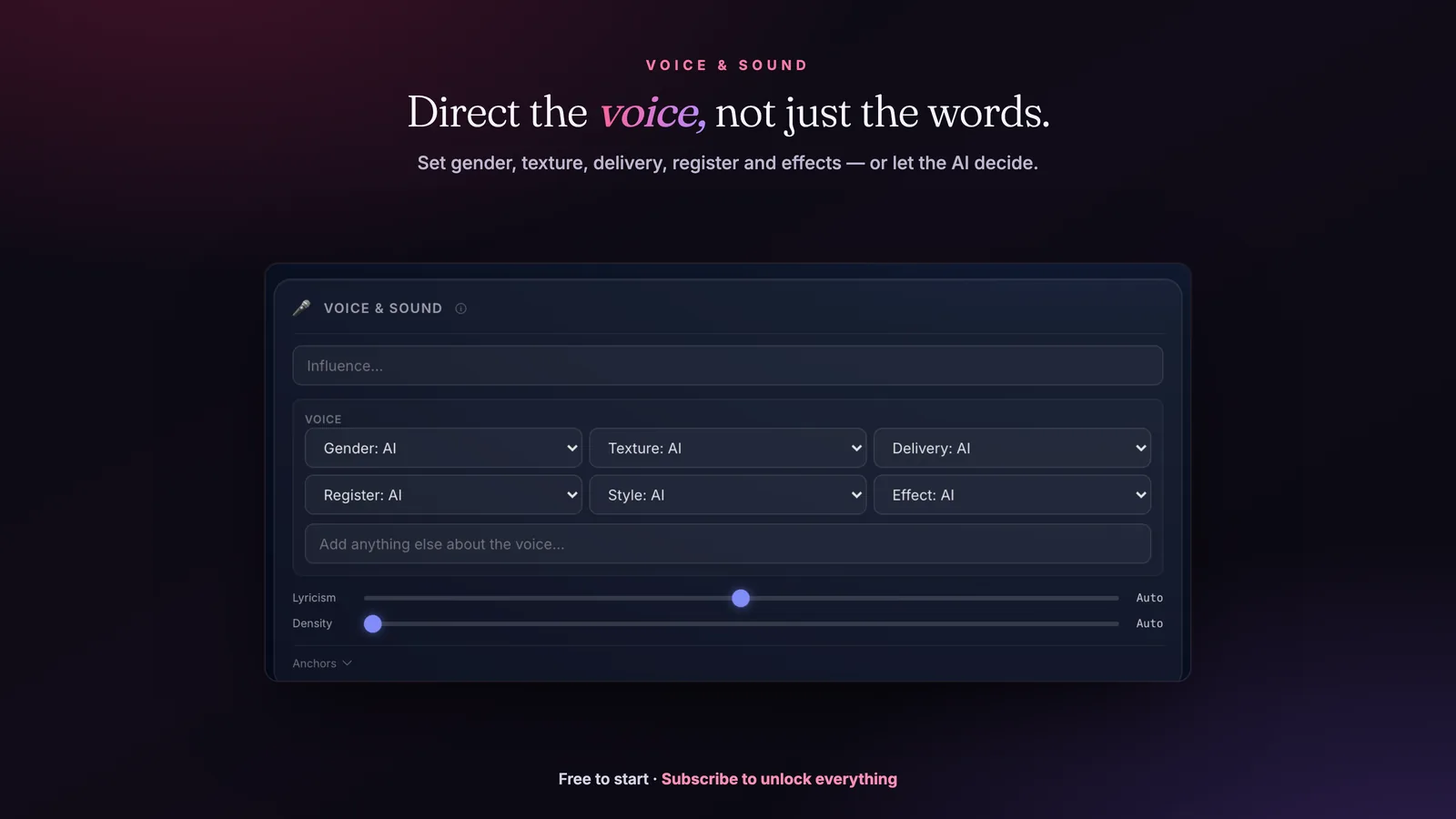
Skip the prompt engineering. Just describe the song.
HookGenius writes the prompt for you. Sign in with one click — your lyrics + Suno prompt in 30 seconds.
Searchable Tags Database
The only searchable Suno tag database with tested reliability ratings. Search or filter 330+ tags, see which ones actually move the output (High / Med / Low, lifted from our empirical testing; Untested = no controlled data yet, not a guess). Click any tag for its best pairings and field notes, copy with one click.
Complete Suno tag reference
333 Suno style tags, grouped by what they control: 128 genre, 54 mood & energy, 39 vocal, 41 instrument, 42 production, 15 era, 14 structure. 77 of them carry reliability data from our own generation testing — so you can tell a tag that steers the model from one it ignores. Every table below is plain text: select and copy any tag straight into Suno's Style field.
Quick reference: the tags that land most reliably
| Tag | Controls | What it does |
|---|---|---|
synth-pop |
genre | 80s-influenced electronic pop with synthesizers |
trap |
genre | Heavy 808s, hi-hats, dark melodies |
boom bap |
genre | Classic 90s hip-hop with hard drums |
neo-soul |
genre | Modern soul with jazz and hip-hop influences |
deep house |
genre | Soulful atmospheric house |
synthwave |
genre | 80s nostalgia electronic music |
indie rock |
genre | Independent guitar-driven rock |
post-punk |
genre | Dark angular rock after punk |
dream pop |
genre | Ethereal atmospheric pop rock |
grunge |
genre | Heavy distorted 90s rock |
lo-fi hip-hop |
genre | Chill study beats aesthetic |
euphoric |
mood | Peak emotional energy, festival-ready |
Genre tags 128 tags · 20 with tested reliability data
The musical world. Specific subgenres beat broad categories — "synth-pop" lands where "pop" drifts.
| Tag | What it does | Pairs with | Tested? |
|---|---|---|---|
pop |
Mainstream catchy melodies with polished production | synth-pop, dance-pop |
Untested |
synth-pop |
80s-influenced electronic pop with synthesizers One of Suno's strongest genres. Very specific output. | nostalgic, analog synth, polished production |
Tested · reliable |
dance-pop |
Uptempo pop designed for dancing | pop, EDM |
Untested |
indie pop |
Alternative pop with DIY aesthetic | bedroom pop, indie rock |
Untested |
bedroom pop |
Lo-fi intimate pop produced at home | indie pop, lo-fi |
Untested |
art pop |
Experimental pop pushing creative boundaries | indie pop, alt pop |
Untested |
alt pop |
Alternative pop blending genres | indie pop, pop |
Untested |
K-pop |
Korean pop with synchronized choreography vibes Production style is right. Structure can be unpredictable. | catchy, polished, dance break |
Tested · mixed |
J-pop |
Japanese pop with anime influence | pop, city pop |
Untested |
city pop |
Japanese 80s funk-influenced pop | J-pop, funk |
Untested |
hip-hop |
Rhythmic vocals over beats | rap, trap |
Untested |
rap |
Fast-paced rhyming vocals | hip-hop, trap |
Untested |
trap |
Heavy 808s, hi-hats, dark melodies Most consistent hip-hop subgenre. Immediately recognizable output. | dark, 808 bass, hi-hat rolls |
Tested · reliable |
melodic trap |
Trap with sung hooks and emotional melodies | trap, emo rap |
Untested |
rage trap |
Aggressive distorted trap with punk energy | trap, punk |
Untested |
drill |
Dark aggressive rap with sliding 808s | trap, UK drill |
Untested |
UK drill |
British drill with darker production | drill, grime |
Untested |
boom bap |
Classic 90s hip-hop with hard drums Classic 90s hip-hop. Very different output from "trap." | old school, vinyl samples, punchy drums |
Tested · reliable |
conscious rap |
Thoughtful lyricism with social commentary | boom bap, hip-hop |
Untested |
emo rap |
Emotional hip-hop with rock influences | melodic trap, sad rap |
Untested |
sad rap |
Melancholic hip-hop about heartbreak | emo rap, melodic trap |
Untested |
trap soul |
Trap production with R&B vocals | trap, R&B |
Untested |
feel-good hip-hop |
Uplifting positive hip-hop | hip-hop, boom bap |
Untested |
grime |
UK electronic hip-hop with fast flows | UK drill, electronic |
Untested |
R&B |
Rhythm and blues with soulful vocals | neo-soul, contemporary R&B |
Untested |
contemporary R&B |
Modern R&B with electronic production | R&B, dark R&B |
Untested |
dark R&B |
Moody atmospheric R&B | R&B, alternative R&B |
Untested |
alternative R&B |
Experimental boundary-pushing R&B | dark R&B, neo-soul |
Untested |
neo-soul |
Modern soul with jazz and hip-hop influences Rich harmonic output. Great vocal generation. | warm, Rhodes piano, smooth vocals |
Tested · reliable |
soul |
Emotional gospel-influenced vocal music | neo-soul, Motown |
Untested |
Motown |
Classic 60s Detroit soul sound | soul, R&B |
Untested |
smooth R&B |
Silky romantic R&B | R&B, quiet storm |
Untested |
electronic |
Synthesizer-based electronic music | EDM, ambient |
Untested |
EDM |
Electronic dance music for clubs | house, dubstep |
Untested |
house |
Four-on-the-floor dance music | deep house, tech house |
Untested |
deep house |
Soulful atmospheric house Suno handles electronic subgenres well. Clear rhythmic patterns. | groovy, warm bass, four-on-the-floor |
Tested · reliable |
tech house |
Minimal techno-influenced house | house, techno |
Untested |
progressive house |
Building melodic house tracks | house, trance |
Untested |
minimal house |
Stripped-back hypnotic house | house, minimal techno |
Untested |
techno |
Repetitive electronic dance music | minimal techno, industrial techno |
Untested |
minimal techno |
Hypnotic stripped-down techno | techno, minimal house |
Untested |
industrial techno |
Dark aggressive factory techno | techno, industrial |
Untested |
trance |
Euphoric building electronic music | progressive trance, psytrance |
Untested |
psytrance |
Psychedelic fast-paced trance | trance, goa |
Untested |
dubstep |
Heavy bass drops and wobbles | bass music, brostep |
Untested |
bass music |
Heavy sub-bass focused electronic | dubstep, drum and bass |
Untested |
drum and bass |
Fast breakbeats with heavy bass Tempo is usually right. Breakbeat patterns occasionally generic. | dark, fast breaks, sub-bass |
Tested · mixed |
jungle |
Ragga-influenced fast breakbeats | drum and bass, breakbeat |
Untested |
breakbeat |
Syncopated drum patterns | jungle, big beat |
Untested |
Jersey club |
Fast bouncy club music from New Jersey | house, Baltimore club |
Untested |
UK garage |
Skippy syncopated UK dance music | 2-step, speed garage |
Untested |
future bass |
Melodic bass music with supersaws | EDM, bass music |
Untested |
synthwave |
80s nostalgia electronic music Very strong aesthetic alignment. Distinct from synth-pop. | retro, 80s, neon |
Tested · reliable |
retrowave |
Nostalgic 80s synth sounds | synthwave, darksynth |
Untested |
darksynth |
Dark aggressive synthwave | synthwave, industrial |
Untested |
ambient |
Atmospheric background textures | dark ambient, drone |
Untested |
dark ambient |
Ominous atmospheric soundscapes | ambient, drone |
Untested |
chillwave |
Hazy nostalgic electronic | synthwave, lo-fi |
Untested |
downtempo |
Slow relaxed electronic | chillout, trip-hop |
Untested |
trip-hop |
Atmospheric hip-hop with samples | downtempo, abstract hip-hop |
Untested |
rock |
Guitar-driven band music | alternative rock, indie rock |
Untested |
alternative rock |
Non-mainstream guitar rock | rock, indie rock |
Untested |
indie rock |
Independent guitar-driven rock Reliable and distinct. Much better than plain "rock." | raw, jangly guitar, lo-fi |
Tested · reliable |
indie folk |
Acoustic indie with folk influence | folk, indie rock |
Untested |
classic rock |
60s-80s guitar rock | rock, hard rock |
Untested |
hard rock |
Heavy distorted guitar rock | classic rock, metal |
Untested |
soft rock |
Melodic easy-listening rock | classic rock, adult contemporary |
Untested |
arena rock |
Big anthemic stadium rock | classic rock, power ballad |
Untested |
punk rock |
Fast aggressive DIY rock | punk, pop punk |
Untested |
pop punk |
Catchy melodic punk | punk rock, pop punk revival |
Untested |
pop punk revival |
Modern nostalgic pop punk | pop punk, emo |
Untested |
emo |
Emotional confessional rock | emo pop, screamo |
Untested |
post-punk |
Dark angular rock after punk Tight, anxious energy. Different from punk rock. | dark, driving bass, angular guitar |
Tested · reliable |
post-punk revival |
2000s revival of post-punk sound | indie rock, post-punk |
Untested |
shoegaze |
Dreamy wall of guitar noise | dream pop, noise rock |
Untested |
dream pop |
Ethereal atmospheric pop rock Beautiful atmospheric results. Excellent for instrumental tracks. | ethereal, reverb-drenched, shimmering |
Tested · reliable |
grunge |
Heavy distorted 90s rock Iconic sound. Suno nails the heavy-soft dynamics. | raw, distorted guitar, angst |
Tested · reliable |
metal |
Heavy distorted aggressive rock Better with subgenre: "death metal", "black metal", "thrash metal." | aggressive, double kick, heavy guitar |
Tested · mixed |
heavy metal |
Classic loud distorted metal | metal, hard rock |
Untested |
thrash metal |
Fast aggressive metal | metal, speed metal |
Untested |
death metal |
Extreme growling metal | metal, brutal death metal |
Untested |
black metal |
Raw atmospheric extreme metal | metal, atmospheric black metal |
Untested |
nu-metal |
90s metal with hip-hop influence | metal, alternative metal |
Untested |
metalcore |
Metal with hardcore punk influence | metal, hardcore |
Untested |
progressive metal |
Complex technical metal | metal, djent |
Untested |
djent |
Polyrhythmic progressive metal | progressive metal, metalcore |
Untested |
folk |
Traditional acoustic storytelling | indie folk, Americana |
Untested |
Americana |
American roots music blend | folk, country |
Untested |
country |
American rural storytelling music Best with a subgenre: "outlaw country" or "country folk." | acoustic guitar, twangy, storytelling |
Tested · mixed |
country pop |
Polished mainstream country | country, Nashville sound |
Untested |
outlaw country |
Rebellious anti-establishment country | country, Americana |
Untested |
bluegrass |
Fast acoustic string band music | folk, country |
Untested |
blues |
Emotional 12-bar roots music | delta blues, electric blues |
Untested |
delta blues |
Raw acoustic Southern blues | blues, folk blues |
Untested |
electric blues |
Amplified Chicago-style blues | blues, blues rock |
Untested |
blues rock |
Rock with blues influence | blues, rock |
Untested |
jazz |
Improvisational American art music | bebop, cool jazz |
Untested |
bebop |
Fast complex jazz improvisation | jazz, hard bop |
Untested |
cool jazz |
Relaxed smooth jazz style | jazz, West Coast jazz |
Untested |
smooth jazz |
Easy-listening jazz fusion | jazz, R&B |
Untested |
jazz fusion |
Jazz meets rock and funk | jazz, progressive rock |
Untested |
Latin jazz |
Jazz with Latin rhythms | jazz, Afro-Cuban |
Untested |
lo-fi |
Low-fidelity aesthetic music | lo-fi hip-hop, bedroom pop |
Untested |
lo-fi hip-hop |
Chill study beats aesthetic Well-represented in training data. Consistent results. | chill, jazzy samples, vinyl crackle |
Tested · reliable |
chillhop |
Relaxed jazzy hip-hop beats | lo-fi hip-hop, jazz hop |
Untested |
Latin |
Latin American music styles | reggaeton, salsa |
Untested |
reggaeton |
Puerto Rican urban Latin Rhythm pattern usually correct. Vocal style varies. | dembow rhythm, Latin, danceable |
Tested · mixed |
Latin trap |
Spanish-language trap music | reggaeton, trap |
Untested |
salsa |
Cuban-influenced dance music | Latin, mambo |
Untested |
bachata |
Dominican romantic guitar music | Latin, merengue |
Untested |
bossa nova |
Brazilian jazz-influenced music Works well but sometimes blends into generic jazz. | smooth, nylon guitar, brushed drums |
Tested · mixed |
Afrobeats |
West African pop and dance | Afropop, amapiano |
Untested |
amapiano |
South African deep house piano | Afrobeats, deep house |
Untested |
reggae |
Jamaican offbeat rhythm music | dub, dancehall |
Untested |
dub |
Reggae with heavy effects and bass | reggae, dub techno |
Untested |
dancehall |
Fast Jamaican dance music | reggae, bashment |
Untested |
gospel |
Christian spiritual music Choir elements work well. Solo gospel less consistent. | uplifting, choir, soulful |
Tested · mixed |
classical |
Western orchestral music | orchestral, neoclassical |
Untested |
orchestral |
Full symphony ensemble | classical, cinematic |
Untested |
cinematic |
Film score-style epic music | orchestral, trailer music |
Untested |
acoustic |
Unplugged natural instruments | folk, singer-songwriter |
Untested |
acoustic confessional |
Intimate singer-songwriter style | folk, indie folk |
Untested |
new wave |
80s synth-driven rock | post-punk, synth-pop |
Untested |
gothic rock |
Dark dramatic post-punk | post-punk, darkwave |
Untested |
darkwave |
Dark synth-heavy post-punk | gothic rock, synthwave |
Untested |
world music |
Global traditional fusion | folk, ethnic fusion |
Untested |
phonk |
Very trendy. Suno produces authentic phonk textures. Very trendy. Suno produces authentic phonk textures. | aggressive, dark, cowbell |
Tested · reliable |
afrobeat |
Polyrhythmic elements present but not always authentic. Polyrhythmic elements present but not always authentic. | groovy, percussion, horns |
Tested · mixed |
Mood & energy tags 54 tags · 15 with tested reliability data
The emotional temperature. These steer performance more than arrangement.
| Tag | What it does | Pairs with | Tested? |
|---|---|---|---|
euphoric |
Peak emotional energy, festival-ready Big builds, major key, energetic. Festival-energy output. | pop, EDM, house |
Tested · reliable |
uplifting |
Positive energy and hope Works but less specific than "euphoric." Can sound generic. | pop, gospel, EDM |
Tested · mixed |
anthemic |
Big singalong crowd energy | euphoric, triumphant |
Untested |
triumphant |
Victory and achievement feeling Big crescendos. Sometimes overdoes it into soundtrack territory. | orchestral, rock, hip-hop |
Tested · mixed |
powerful |
Strong impactful energy | triumphant, intense |
Untested |
intense |
High tension and focus | powerful, aggressive |
Untested |
aggressive |
Angry confrontational energy Increases distortion, tempo, vocal intensity. Very responsive. | metal, punk, trap |
Tested · reliable |
angry |
Frustrated hostile emotion | aggressive, bitter |
Untested |
bitter |
Resentful hurt feelings | angry, melancholic |
Untested |
energetic |
High-energy vibrant feel | upbeat, playful |
Untested |
upbeat |
Positive happy tempo | energetic, fun |
Untested |
fun |
Playful enjoyable vibe | upbeat, playful |
Untested |
playful |
Light-hearted mischievous energy Bouncy rhythms, major key. Less consistent than other mood tags. | pop, funk, indie |
Tested · mixed |
quirky |
Unusual eccentric character | playful, weird |
Untested |
melancholic |
Sad reflective longing Reliable sadness. Minor key, slower phrasing, more reverb. | indie, folk, R&B |
Tested · reliable |
sad |
Sorrowful emotional pain | melancholic, heartbroken |
Untested |
heartbroken |
Deep romantic loss | sad, lonely |
Untested |
lonely |
Isolated solitary feeling | sad, introspective |
Untested |
wistful |
Longing for the past | nostalgic, melancholic |
Untested |
nostalgic |
Bittersweet memories Warm tones, slightly degraded quality, wistful melodies. | synth-pop, folk, indie |
Tested · reliable |
sentimental |
Emotional tender feelings | nostalgic, romantic |
Untested |
romantic |
Love and passion | sentimental, sensual |
Untested |
sensual |
Intimate physical attraction | romantic, seductive |
Untested |
seductive |
Alluring tempting vibe | sensual, mysterious |
Untested |
dreamy |
Hazy ethereal atmosphere Adds reverb, softens transients, creates floaty textures. | dream pop, ambient, indie |
Tested · reliable |
atmospheric |
Immersive ambient texture | dreamy, spacey |
Untested |
spacey |
Cosmic floating feeling | atmospheric, psychedelic |
Untested |
psychedelic |
Mind-expanding trippy vibe | spacey, surreal |
Untested |
surreal |
Dreamlike strange reality | psychedelic, weird |
Untested |
mysterious |
Enigmatic unknown quality Dissonant harmonies, sparse arrangements. Overlaps with "haunting." | ambient, trip-hop, darkwave |
Tested · mixed |
suspenseful |
Tension and anticipation | mysterious, cinematic |
Untested |
dark |
Ominous shadowy atmosphere One of the strongest modifiers. Consistently shifts key, tempo, and timbre. | trap, pop, electronic |
Tested · reliable |
brooding |
Deep thoughtful darkness Similar to "dark" but more restrained. Works well with slower tempos. | post-punk, trip-hop, alternative |
Tested · mixed |
moody |
Emotional atmospheric depth | brooding, introspective |
Untested |
introspective |
Deep self-reflection | moody, contemplative |
Untested |
contemplative |
Thoughtful meditation | introspective, peaceful |
Untested |
peaceful |
Calm serene tranquility Too vague for Suno. "Dreamy" or "serene" produce better results. | ambient, new age, acoustic |
Tested · weak |
relaxed |
Easy laid-back feel | peaceful, chill |
Untested |
chill |
Cool casual vibe | relaxed, lo-fi |
Untested |
hopeful |
Optimistic future outlook | uplifting, inspiring |
Untested |
inspiring |
Motivational encouraging energy | hopeful, empowering |
Untested |
empowering |
Strength and confidence boost | inspiring, confident |
Untested |
confident |
Self-assured swagger | empowering, bold |
Untested |
bold |
Daring fearless attitude | confident, defiant |
Untested |
defiant |
Rebellious resistance | bold, aggressive |
Untested |
vulnerable |
Open raw emotion exposed | intimate, honest |
Untested |
intimate |
Close personal connection Quieter, closer-mic feel. Sometimes Suno interprets this as just "quiet." | R&B, folk, jazz |
Tested · mixed |
tender |
Gentle caring affection | intimate, sweet |
Untested |
sweet |
Adorable pleasant charm | tender, cute |
Untested |
bittersweet |
Mixed sad and happy emotions | nostalgic, melancholic |
Untested |
detached |
Emotionally distant cool | cold, numb |
Untested |
obsessed |
Fixated intense focus | desperate, haunting |
Untested |
cinematic |
See Finding #10. Elevates production across every genre tested. See Finding #10. Elevates production across every genre tested. | any genre (universal modifier) |
Tested · reliable |
haunting |
Eerie textures, sparse arrangements, dissonant intervals. Eerie textures, sparse arrangements, dissonant intervals. | ambient, folk, darkwave |
Tested · reliable |
Vocal tags 39 tags · 15 with tested reliability data
Who is singing and how. Range, texture, and delivery.
| Tag | What it does | Pairs with | Tested? |
|---|---|---|---|
male vocals |
Male singer voice Same as above. Reliable gender selection. | any genre |
Tested · reliable |
female vocals |
Female singer voice Gender tags are highly reliable. Use as a baseline, then add character. | any genre |
Tested · reliable |
raspy vocals |
Gritty textured voice One of the most reliable character descriptors. Clear audible effect. | rock, blues, folk |
Tested · reliable |
smooth vocals |
Silky clean voice | polished, clean |
Untested |
powerful belting |
Strong projected singing | diva, soulful |
Untested |
ethereal female |
Angelic floating voice | dreamy, airy |
Untested |
deep male voice |
Low resonant baritone | baritone, bass vocals |
Untested |
breathy |
Airy whispered quality | intimate, soft |
Untested |
falsetto |
High male head voice Inconsistent. Suno sometimes delivers it, sometimes ignores it entirely. | R&B, pop, soul |
Tested · weak |
harmonies |
Layered vocal harmonies | choir, backing vocals |
Untested |
soulful vocals |
Emotionally rich R&B voice | gospel, powerful |
Untested |
modern pop singer |
Contemporary radio pop voice | pop, polished |
Untested |
indie vocalist |
Alternative authentic voice | raw, unique |
Untested |
classic rock vocalist |
70s-80s rock singing style | powerful, raspy |
Untested |
raspy folk singer |
Weathered acoustic voice | folk, storyteller |
Untested |
operatic |
Trained classical singing Surprisingly effective. Produces dramatic, trained-voice performances. | cinematic, metal, classical crossover |
Tested · mixed |
smoky jazz |
Sultry lounge voice | jazz, intimate |
Untested |
gospel choir |
Spiritual group harmonies | choir, soulful |
Untested |
gritty blues |
Raw emotional blues voice | blues, raspy |
Untested |
whispery |
Soft spoken-sung style | breathy, ASMR |
Untested |
aggressive rap flow |
Intense rhythmic delivery | rap, hard |
Untested |
melodic rap |
Sung-rapped style Blends singing and rapping. Results vary in the rap-to-singing ratio. | trap, hip-hop, R&B-rap fusion |
Tested · mixed |
spoken word |
Poetic speech delivery Very reliable. Suno clearly differentiates singing from speaking. | hip-hop, poetry, experimental |
Tested · reliable |
vocoder |
Robotic synthesized voice | electronic, talkbox |
Untested |
autotune |
Pitch-corrected modern sound | melodic rap, T-Pain style |
Untested |
choir |
Group vocal ensemble Adds layered group vocals. Works as supporting element. | gospel, cinematic, orchestral |
Tested · reliable |
backing vocals |
Supporting harmony voices | harmonies, oohs and aahs |
Untested |
call and response |
Leader and group exchange | gospel, interactive |
Untested |
tenor |
High male vocal range | male vocals, light |
Untested |
baritone |
Mid-range male voice | male vocals, deep |
Untested |
soprano |
High female vocal range | female vocals, operatic |
Untested |
alto |
Low female vocal range | female vocals, warm |
Untested |
breathy vocals |
Consistent, distinctive. Creates intimacy. Pairs well with "close-mic." Consistent, distinctive. Creates intimacy. Pairs well with "close-mic." | dream pop, indie, R&B |
Tested · reliable |
powerful belt |
Increases vocal energy and range. Chorus-appropriate. Increases vocal energy and range. Chorus-appropriate. | pop, gospel, soul |
Tested · reliable |
whispered vocals |
Works but tends to reduce overall track energy. Use strategically. Works but tends to reduce overall track energy. Use strategically. | ambient, dark pop, lo-fi |
Tested · mixed |
auto-tuned |
Pitch correction effect is audible but intensity varies. Pitch correction effect is audible but intensity varies. | trap, pop, hip-hop |
Tested · mixed |
layered harmonies |
Sometimes produces harmonies, sometimes just doubles the vocal. Sometimes produces harmonies, sometimes just doubles the vocal. | pop, folk, indie |
Tested · mixed |
growling |
Works in metal context but unreliable in other genres. Works in metal context but unreliable in other genres. | death metal, black metal |
Tested · weak |
yodeling |
Rarely produces actual yodeling. Not recommended. Rarely produces actual yodeling. Not recommended. | country, folk |
Tested · weak |
Instrument tags 41 tags · 15 with tested reliability data
What is actually playing. Name the lead and the rhythm bed.
| Tag | What it does | Pairs with | Tested? |
|---|---|---|---|
acoustic guitar |
Steel or nylon string guitar Consistent. Add "fingerpicking" or "strumming" for more control. | folk, country, singer-songwriter |
Tested · reliable |
electric guitar |
Amplified guitar | distorted guitar, clean guitar |
Untested |
distorted guitar |
Heavy overdriven guitar Reliable overdrive/distortion. Pairs well with genre tags. | rock, grunge, metal |
Tested · reliable |
clean guitar |
Undistorted electric guitar | jazz guitar, chorus guitar |
Untested |
bass guitar |
Low-end electric bass | funk bass, slap bass |
Untested |
synth bass |
Synthesized low end | 808 bass, sub bass |
Untested |
808 bass |
TR-808 kick/bass sound The most reliable instrument tag we tested. Unmistakable sub-bass. | trap, phonk, hip-hop |
Tested · reliable |
sub bass |
Deep sub-frequency bass | bass music, dubstep |
Untested |
piano |
Acoustic or electric piano | grand piano, electric piano |
Untested |
grand piano |
Concert piano sound | classical, ballad |
Untested |
electric piano |
Rhodes or Wurlitzer | neo-soul, jazz |
Untested |
synthesizer |
Electronic keyboard sounds | synth pad, synth lead |
Untested |
synth pad |
Sustained atmospheric synth | ambient, atmospheric |
Untested |
synth lead |
Melodic synth line | electronic, hook |
Untested |
strings |
Orchestral string section Orchestral string section. Very reliable as a supporting layer. | cinematic, orchestral, ballad |
Tested · reliable |
violin |
High string instrument | strings, fiddle |
Untested |
cello |
Deep string instrument | strings, orchestral |
Untested |
brass |
Trumpet, trombone, horn | horns, big band |
Untested |
horns |
Brass section | brass, funk |
Untested |
saxophone |
Jazz/R&B horn Suno generates recognizable sax but tone quality varies. | jazz, soul, smooth |
Tested · mixed |
drums |
Acoustic drum kit | live drums, breakbeat |
Untested |
live drums |
Real recorded drums | organic, raw |
Untested |
programmed drums |
Electronic sequenced beats | electronic, 808 |
Untested |
drum machine |
Classic electronic drums | 808, 909 |
Untested |
hi-hats |
Cymbal rhythmic element | trap hi-hats, closed hi-hat |
Untested |
trap hi-hats |
Fast rolling hi-hat patterns | trap, drill |
Untested |
organ |
Church or Hammond organ Works well in gospel context. Hammond-style tones common. | gospel, soul, blues |
Tested · mixed |
harmonica |
Blues mouth harp | blues, folk |
Untested |
flute |
Woodwind instrument | world music, orchestral |
Untested |
vocal samples |
Chopped vocal bits | vocal chops, sampling |
Untested |
vocal chops |
Rhythmic sliced vocals | EDM, future bass |
Untested |
sample-based |
Built from samples | hip-hop, crate digging |
Untested |
Rhodes piano |
Distinctive electric piano tone. Very specific output. Distinctive electric piano tone. Very specific output. | neo-soul, jazz, lo-fi |
Tested · reliable |
analog synth |
Warm, fat synthesis. Better results than just "synth." Warm, fat synthesis. Better results than just "synth." | synthwave, synth-pop, electronic |
Tested · reliable |
brushed drums |
Soft percussion texture. Adds sophistication to quiet tracks. Soft percussion texture. Adds sophistication to quiet tracks. | jazz, bossa nova, chill |
Tested · mixed |
upright bass |
Acoustic bass character present but not always prominent in the mix. Acoustic bass character present but not always prominent in the mix. | jazz, folk, country |
Tested · mixed |
steel drums |
Distinctive enough that it shapes the entire track. Acts as genre anchor. Distinctive enough that it shapes the entire track. Acts as genre anchor. | Caribbean, tropical, reggae |
Tested · mixed |
sitar |
Similar to steel drums — so distinctive it functions as a genre tag. Similar to steel drums — so distinctive it functions as a genre tag. | Indian classical, psychedelic, world |
Tested · mixed |
trumpet |
Audible but sometimes blends into generic brass. Audible but sometimes blends into generic brass. | jazz, Latin, soul |
Tested · mixed |
banjo |
Specific enough to shift genre feel. Less consistent outside its natural genres. Specific enough to shift genre feel. Less consistent outside its natural genres. | bluegrass, country, folk |
Tested · mixed |
harp |
Sometimes present, sometimes replaced with generic arpeggiated piano. Sometimes present, sometimes replaced with generic arpeggiated piano. | classical, Celtic, ambient |
Tested · weak |
Production tags 42 tags · 12 with tested reliability data
How the record is treated — space, saturation, and mix character.
| Tag | What it does | Pairs with | Tested? |
|---|---|---|---|
polished |
Clean professional mix | crisp, modern |
Untested |
crisp |
Clear sharp definition | polished, clean |
Untested |
clean |
No distortion or dirt | crisp, pristine |
Untested |
lo-fi |
Warm analog character Very strong. Adds warmth, subtle noise, softened highs. | hip-hop, indie, bedroom pop |
Tested · reliable |
vintage |
Old-school retro sound | lo-fi, analog |
Untested |
analog |
Warm tape/hardware character | vintage, organic |
Untested |
raw |
Unpolished natural sound | live, rough |
Untested |
live |
Real performance feel | raw, organic |
Untested |
organic |
Natural breathing sound | live, acoustic |
Untested |
gritty |
Dirty textured sound | distorted, rough |
Untested |
distorted |
Overdriven clipped sound | gritty, saturated |
Untested |
saturated |
Warm harmonic richness | analog, fat |
Untested |
warm |
Rich low-mid presence | analog, full |
Untested |
bright |
Sparkling high frequencies | airy, crisp |
Untested |
airy |
Spacious open high end | bright, ethereal |
Untested |
heavy |
Dense powerful low end | thick, punchy |
Untested |
punchy |
Impactful transients | heavy, tight |
Untested |
tight |
Precise controlled sound | punchy, clean |
Untested |
lush |
Rich layered textures | full, reverberant |
Untested |
reverberant |
Spacious room sound | wet, atmospheric |
Untested |
dry |
No reverb minimal space | tight, intimate |
Untested |
compressed |
Controlled dynamics | punchy, loud |
Untested |
dynamic |
Wide volume range | live, expressive |
Untested |
minimal |
Stripped-back essential | sparse, clean |
Untested |
sparse |
Space between elements | minimal, breathing |
Untested |
dense |
Many layered elements | thick, wall of sound |
Untested |
wall of sound |
Massive layered production | dense, epic |
Untested |
underwater |
Filtered muffled effect | lo-fi, dreamy |
Untested |
radio ready |
Broadcast-quality polish | polished, commercial |
Untested |
bedroom production |
DIY home studio sound | lo-fi, indie |
Untested |
stadium sound |
Huge arena-filling mix | wall of sound, anthemic |
Untested |
polished production |
Clean, separated mix. Radio-ready clarity. Clean, separated mix. Radio-ready clarity. | pop, R&B, K-pop |
Tested · reliable |
reverb-drenched |
Dramatic spatial effect. One of the most audible production tags. Dramatic spatial effect. One of the most audible production tags. | dream pop, shoegaze, ambient |
Tested · reliable |
tape saturation |
Warm harmonic distortion. Pairs well with "vintage." Warm harmonic distortion. Pairs well with "vintage." | lo-fi, retro, soul |
Tested · reliable |
vinyl crackle |
Audible texture addition. Suno handles this very consistently. Audible texture addition. Suno handles this very consistently. | lo-fi hip-hop, jazz, chill |
Tested · reliable |
spacious and wide |
Wider stereo image. Effect is subtle but present. Wider stereo image. Effect is subtle but present. | ambient, post-rock, cinematic |
Tested · mixed |
dry and punchy |
Reduces reverb, tightens transients. Good counterbalance to Suno's reverb tendency. Reduces reverb, tightens transients. Good counterbalance to Suno's reverb tendency. | punk, boom bap, garage rock |
Tested · mixed |
bedroom recording |
Raw, intimate, imperfect. Less polished than "lo-fi" — more "recorded at home." Raw, intimate, imperfect. Less polished than "lo-fi" — more "recorded at home." | indie, lo-fi, folk |
Tested · mixed |
compressed and loud |
Louder, flatter dynamics. Loudness-war aesthetic. Louder, flatter dynamics. Loudness-war aesthetic. | pop-punk, metal, modern rock |
Tested · mixed |
stadium reverb |
Big, cavernous space. Works for arena-rock and power ballads. Big, cavernous space. Works for arena-rock and power ballads. | rock, pop, anthemic |
Tested · mixed |
crisp digital |
Clean, modern mix. Less character than analog-leaning tags. Clean, modern mix. Less character than analog-leaning tags. | EDM, pop, modern R&B |
Tested · mixed |
warm analog |
Softer highs, rounder bass. Similar to "tape saturation" but subtler. Softer highs, rounder bass. Similar to "tape saturation" but subtler. | soul, neo-soul, jazz |
Tested · mixed |
Era tags 15 tags
Period-correct production. Pairs with genre rather than replacing it.
| Tag | What it does | Pairs with | Tested? |
|---|---|---|---|
80s synth |
Analog synthesizers, gated reverb | synthwave, new wave |
Untested |
90s grunge |
Distorted Seattle sound | alternative, flannel |
Untested |
90s hip-hop |
Golden age boom bap | boom bap, sampling |
Untested |
90s R&B |
New jack swing era | new jack swing, Motown |
Untested |
2000s pop |
Y2K bubblegum sound | pop, dance-pop |
Untested |
2000s emo |
MySpace era emotional rock | emo, pop punk |
Untested |
2010s EDM |
Festival big room era | EDM, big room |
Untested |
2010s trap |
Atlanta trap wave | trap, melodic trap |
Untested |
2020s hyperpop |
Maximalist glitchy pop | hyperpop, PC Music |
Untested |
60s psychedelic |
Summer of love sound | psychedelic rock, acid rock |
Untested |
70s disco |
Dance floor funk era | disco, funk |
Untested |
70s soul |
Blaxploitation era soul | soul, funk |
Untested |
50s doo-wop |
Vocal harmony groups | doo-wop, oldies |
Untested |
vintage 60s |
Beatles-era production | British Invasion, mod |
Untested |
retro |
General throwback sound | vintage, nostalgic |
Untested |
Structure markers 14 tags
Section headers for the lyrics field, not the style field.
| Tag | What it does | Pairs with | Tested? |
|---|---|---|---|
[Intro] |
Opening instrumental section | [Verse], opening |
Untested |
[Verse] |
Storytelling section | [Chorus], [Pre-Chorus] |
Untested |
[Pre-Chorus] |
Build-up before chorus | [Verse], [Chorus] |
Untested |
[Chorus] |
Main hook section | [Verse], [Post-Chorus] |
Untested |
[Post-Chorus] |
After-chorus hook | [Chorus], [Verse] |
Untested |
[Bridge] |
Contrasting middle section | [Chorus], [Outro] |
Untested |
[Outro] |
Ending section | [Bridge], fade out |
Untested |
[Instrumental] |
No vocals section | [Break], solo |
Untested |
[Break] |
Breakdown section | [Drop], [Instrumental] |
Untested |
[Drop] |
EDM climax section | [Build], [Break] |
Untested |
[Build] |
Rising tension section | [Drop], [Pre-Chorus] |
Untested |
[Hook] |
Catchy repeated section | [Chorus], earworm |
Untested |
[Fade Out] |
Gradual volume decrease ending | [Outro], ending |
Untested |
[Refrain] |
Repeated phrase | [Chorus], [Hook] |
Untested |
Reliability ratings come from our own repeated generations, recorded in the style-tag reliability research. Untested means we have no measured data for that tag yet — not that it fails.
The tags are the alphabet. The Mastery Guide is the phrasebook.
This page is the reference. The Mastery Guide picks up where reference ends — tested prompt recipes you can paste directly into Suno, calibrated per genre and artist.
- 61 genre deep-dives with multi-variant prompts
- 41 artist influence profiles (prompt — not names)
- Full Personas, Voices, Studio walkthroughs
- 18 failure modes with before/after fixes
- Album Mode — 3 worked examples with arcs
- The Monetization chapter (distribution, sync, tax)
Skip the Tag Research
HookGenius selects optimal style tags automatically based on your creative direction.