HookGenius · Suno reference
Suno vs Soundraw: Which Is Better for Background Music?
Suno vs Soundraw for background music — full songs with vocals from Suno versus royalty-free loops for video. Then the full method for Suno's side:
- ✓72 genre blueprints + 20 tag recipes — describe any sound
- ✓The full system + 18 fixes for the ways Suno fails
- ✓+25 HookGenius app credits included
HookGenius is an independent product and is not affiliated with, endorsed by, or sponsored by Suno, Inc.
See inside first →✓ See a sample chapter first · ✓ Instant PDF · ✓ Lifetime updates · ✓ +25 app credits
The book is the method. The app runs the method for you. Want the method run for you? HookGenius writes your first song → 5 songs to start · no card · ~30 seconds each
TL;DR
- Each AI music tool has different strengths — match tool to your specific need
- Always check commercial licensing terms before publishing
- Use detailed, genre-specific prompts for best results on any platform
background music, clean production, non-intrusive, professional, loopable, consistent energy, subtle
Suno and Soundraw solve different problems: Suno, running on Suno, generates complete songs with vocals and full arrangements from text prompts, while Soundraw specializes in royalty-free background music built from customizable loops aimed at video creators. Commercial licensing terms differ between both platforms, so verify rights before publishing. HookGenius produces the full style prompt and structured lyrics for your Suno session in about 30 seconds.
Last updated: May 2026
Suno and Soundraw take different approaches to background music generation. Suno offers more creative control through prompts, while Soundraw provides a simpler interface for commercial background tracks. This comparison helps you choose the right tool for your background music needs.
HookGenius is the pre-production engine for AI music — the professional prompt, lyrics, and title generator creators use to get the best output from Suno and other AI platforms.
Try It Free — 5 Songs Included
Generate complete lyrics + style prompts optimized for Suno. Sign in with Google, see results in 30 seconds.
Generate Your First Song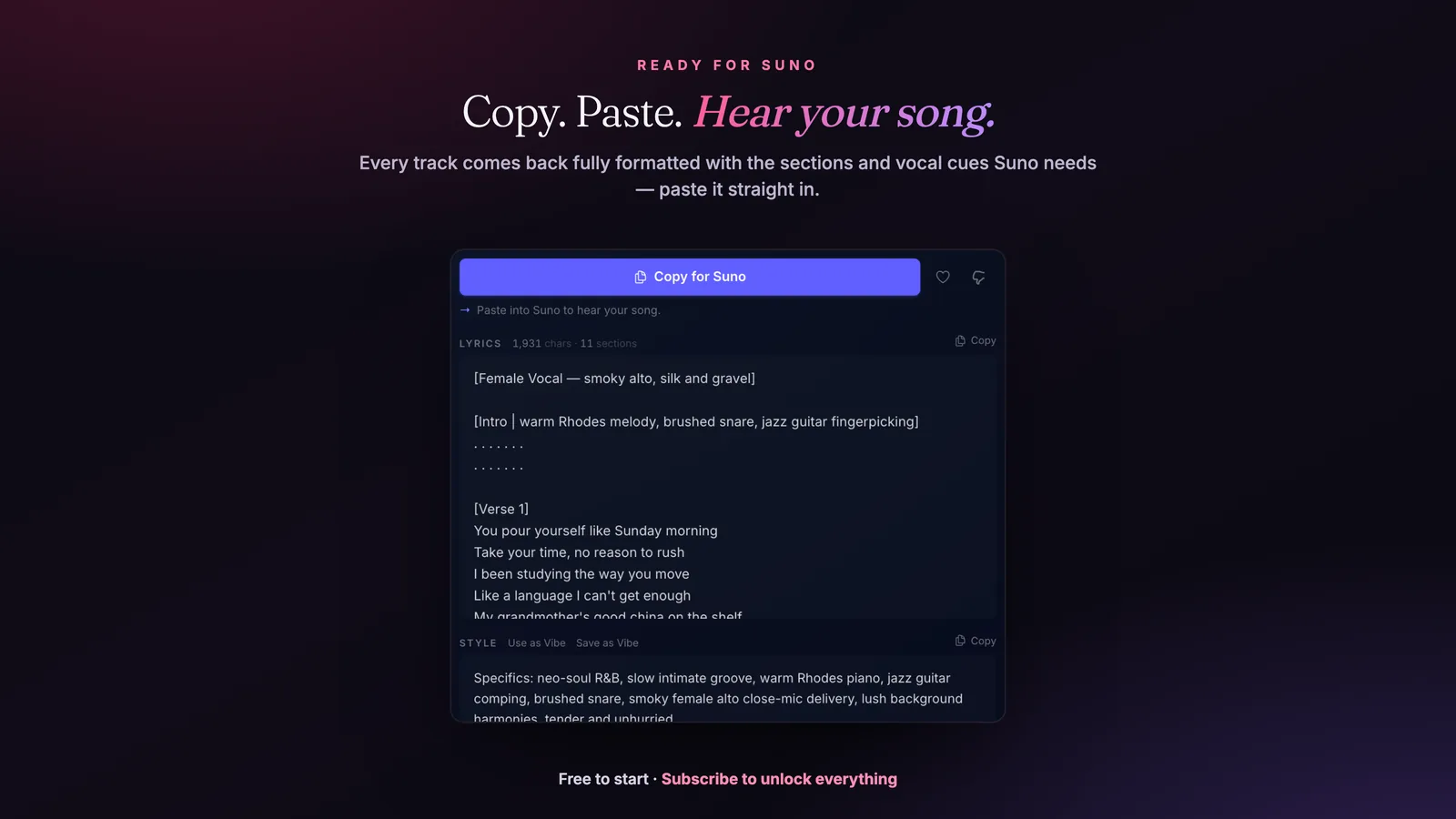
Copy/Paste Prompts
background music, clean production, non-intrusive, professional, loopable, consistent energy, subtle
ambient background, business-friendly, soft and professional, neutral mood, clean mix, office-ready
upbeat background, positive energy, professional production, non-distracting, corporate-friendly, clean
chill background music, relaxed, cafe atmosphere, soft instruments, warm, inviting, loopable
cinematic background, subtle underscore, professional, film-quality, supporting role, atmospheric
Common Mistakes
- Not checking licensing terms before commercial use: Different AI music tools have different commercial licensing — verify before publishing
- Using the same prompt across different AI tools: Each tool has different prompt syntax and strengths — optimize per platform
- Ignoring output format and quality settings: Export settings affect final quality — always use highest available quality for production
- Not A/B testing results from different tools: Generate the same concept on multiple platforms to find which handles it best
- Forgetting to specify duration for short-form needs: Default generation lengths vary by tool — specify if you need specific duration
Quick Fixes
| Problem | Fix |
|---|---|
Output not professional enough |
Add: professional production, broadcast quality, polished mix, mastered |
Wrong tool for the job |
Match tool to strength: Suno for creative/vocal, Soundraw for simple BGM |
Licensing confusion |
Check each tools pricing page for commercial rights per plan tier |
Inconsistent results |
Use more specific prompts with 6-10 detailed tags instead of vague descriptions |
Too expensive for volume |
Compare credit costs per track across platforms for your specific use case |
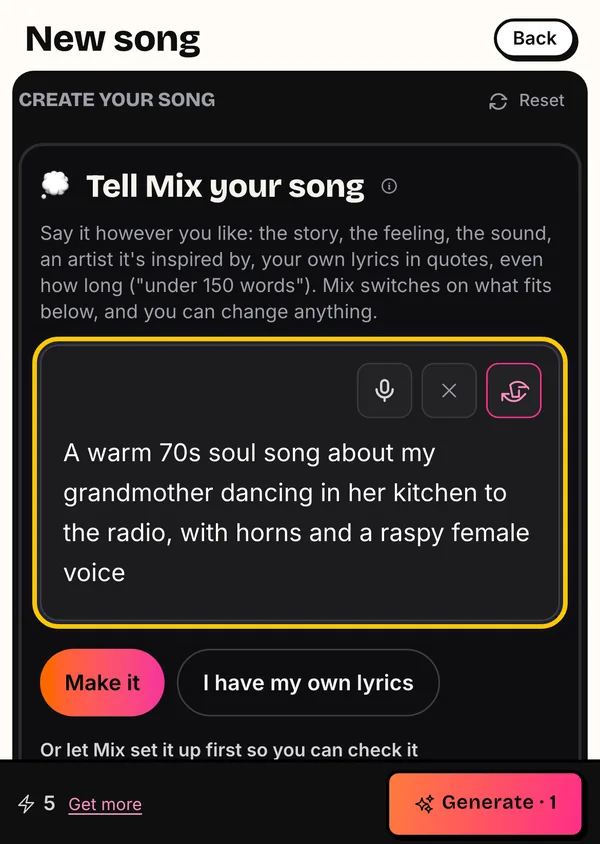
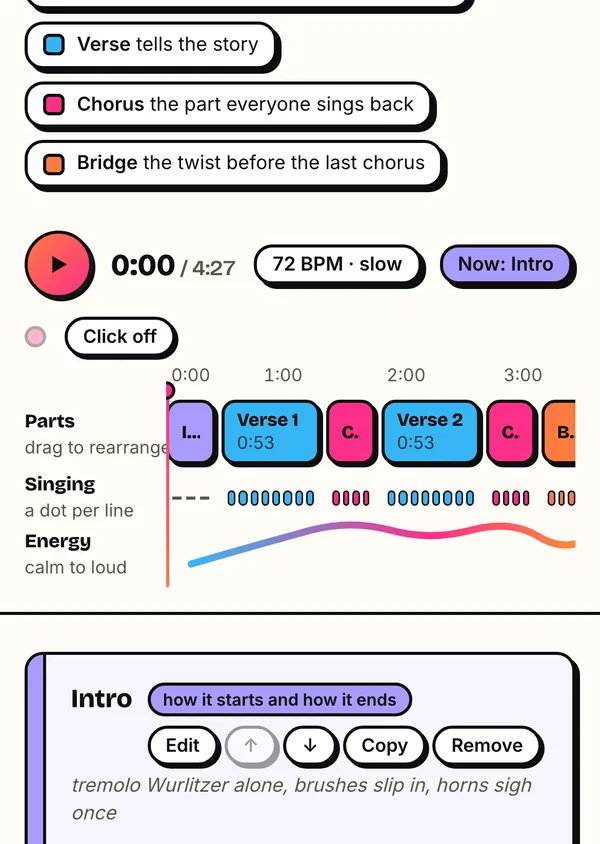
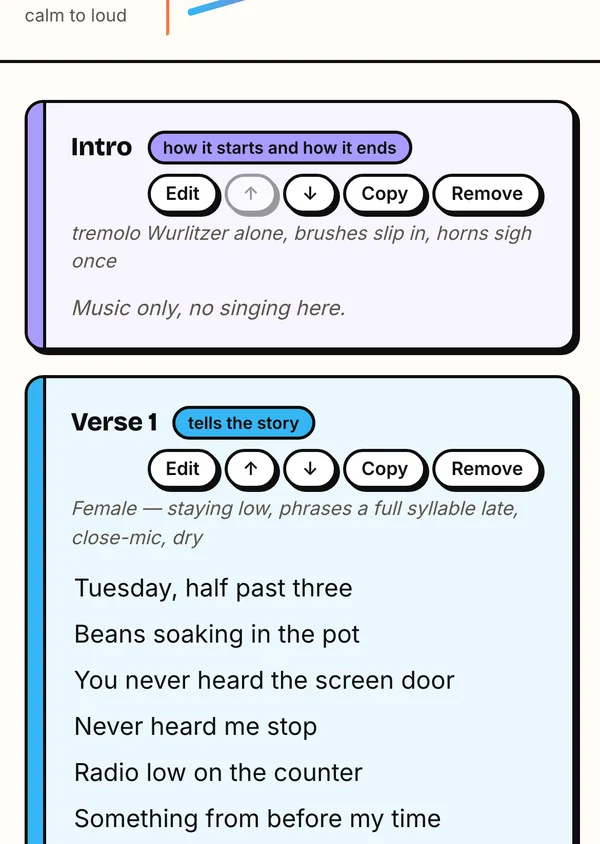
One sentence in. The whole song out.
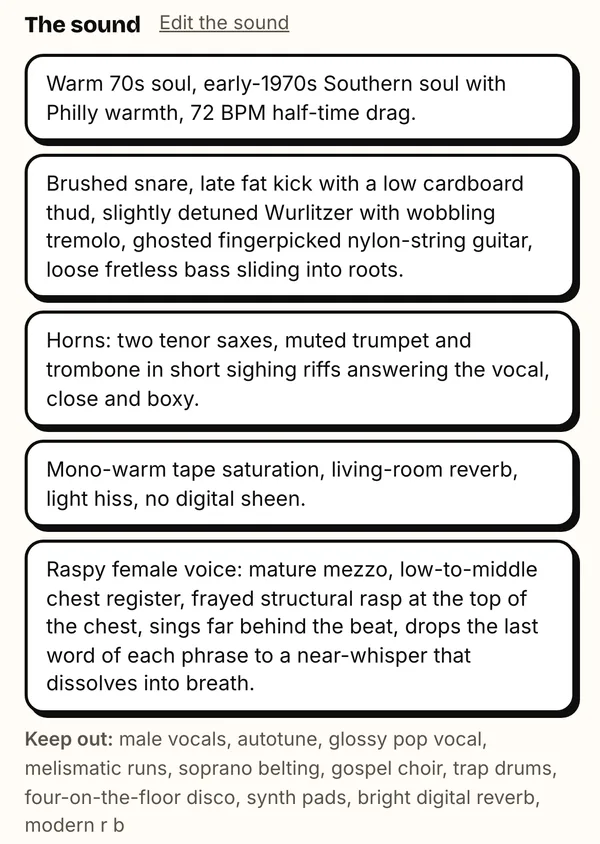
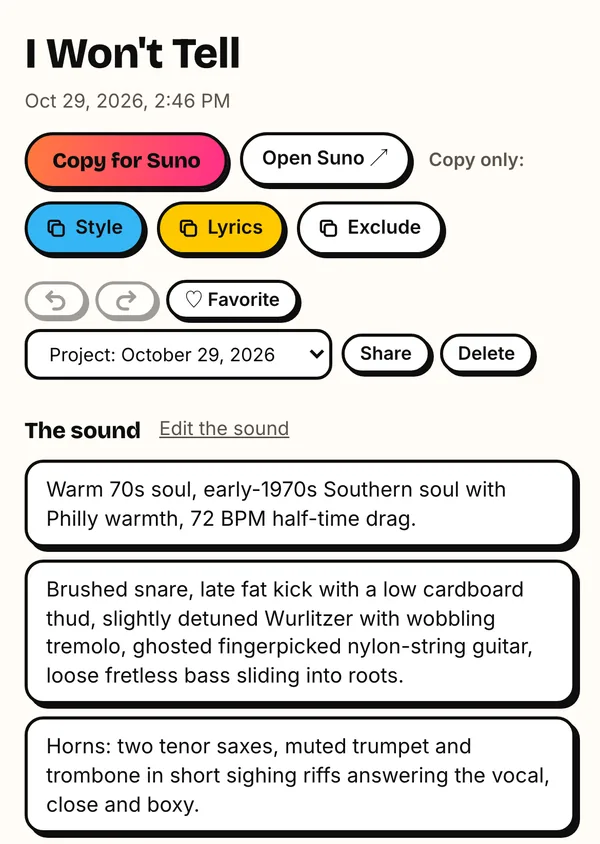
HookGenius Studio writes the lyrics, the voice and the sound for every part, ready to paste into Suno.
 Write my song
 Write my song
 Write my song
 Write my song
 Write my song
Frequently Asked Questions
Is Suno or Udio better for background?
Both have strengths. Suno generally excels at vocals and creative genre-blending, while Udio can produce cleaner instrumentals in some genres. For background specifically, test both with optimized prompts — results vary by subgenre and your specific needs. HookGenius generates Suno-optimized prompts that maximize quality.
Can I use AI-generated background music commercially?
It depends on your subscription tier with each platform. Suno Pro and Premier plans include commercial rights. Udio and Soundraw have their own commercial licensing terms. Always check the current terms of service before using AI music in commercial projects or published content.
What is the best AI music generator for background in 2026?
The best tool depends on your specific needs. Suno is the most versatile for creative projects with its extensive prompt control and vocal quality. Soundraw is simpler for straightforward background music. Udio competes well on instrumental quality. Test each with your specific requirements to find the best fit.
How do I get professional quality background from AI?
Use detailed, specific prompts with 6-10 tags covering genre, mood, instrumentation, vocals, and production quality. Add "professional production" and "polished mix" tags. Generate multiple versions and pick the best. Post-processing in a DAW can further enhance AI-generated tracks for professional use.
Is HookGenius compatible with Udio or just Suno?
HookGenius generates prompts optimized for Suno AI, which is currently the most popular AI music platform. The lyrics and creative concepts work with any platform, but the style prompts are specifically tuned for how Suno interprets tags. Future updates may add Udio-specific optimization.
Free Tools
Ready to Make Better Suno Songs?
5 free songs when you sign in. No credit card needed. Just describe what you want and go.
Start Generating Free