
Suno character limits — on v6, the only model since 9 September 2026: 1,000-char Style, 1,000-char Exclude Styles, 5,000-char Lyrics (the retired V4 & older: 200/3,000/80). Critical tags first. Everything Suno needs, spelled out:
✓ See a sample chapter first · ✓ Instant PDF · ✓ Free lifetime updates · ✓ +25 app credits
The book is the method. The app runs the method for you. Want the method run for you? HookGenius writes your first song — free → 5 songs free · no card · ~30 seconds each
TL;DR
- The limit depends on your Suno model version, not your plan.
- Style prompt: 1,000 chars on v6 (the retired V4 allowed 200) — front-load the most important tags
- Lyrics: 5,000 chars on v6 — ~3,000 is the practical sweet spot before Suno rushes
- Song title: 100 chars on v6 (the retired V4 allowed 80)
v6 / v6-wild / v6-mini → Style: 1000 | Exclude: 1000 | Lyrics: 5000 | Title: 100
(retired 2026-09-09) V4 → Style: 200  | Lyrics: 3000 | Title: 80
Updated 9 September 2026 — Suno v6 is out, and the limits did not change.
We read them off the live v6 composer on launch day: the lyrics counter shows
… of 5000 characters used and the style counter shows /1000.
So v6 keeps the 5,000-character lyrics field and the 1,000-character style field. We also read the Exclude Styles input directly from the page: it carries maxlength="1000", the same as the style box — a figure we had previously only inferred.
One honest caveat about the title field. Guides across the web, including earlier versions of this one, state a 100-character song-title limit. On the live v6 composer the title input carries no maxlength attribute at all, so the browser enforces nothing. A server-side cap may still exist — we have not tested one — but we are not willing to state a number we cannot verify, so we have removed it rather than repeat the consensus figure.
Note that v5, v4.5 and v4 are no longer offered in the model picker, so the older limits below are
now historical reference rather than something you can select.
Full Suno v6 guide →
Suno's field limits are set by the model version you generate with, not your subscription tier. On v6, the only model Suno offers since 9 September 2026, the Style field holds 1,000 characters, the Lyrics box holds 5,000 characters (roughly 80–100 lines), and the song title caps at 100. On V4 and older, those caps are lower: 200-char style, 3,000-char lyrics, 80-char title. As a practical rule, ~3,000 characters of lyrics is the sweet spot before Suno starts to rush a song, even on the newer 5,000-char box. HookGenius generates a complete style prompt and structured lyrics for any project in about 30 seconds.
How we checked these numbers — 7 September 2026.
Suno has never published a character limit for any field. Every number you will find online, including on this page until today, traces back to community testing rather than documentation. So rather than repeat it, we opened the product and read the limit off the page.
The style box is 1,000 characters, and that is measured, not
reported. On a v5.5 account at suno.com/create, the style field carries
maxlength="1000" in the page markup — the browser itself refuses the 1,001st
character. That also settles the long-running “is it 200 or 1,000?” argument: both
are true, for different model generations. 200 was the v4-and-earlier ceiling; 1,000 is
current. Two neighbouring fields measured in the same pass: the Simple-mode song description accepts
3,000 characters, and the “describe the sound you want” box accepts 500.
The other three we could not confirm the same way, and we would rather say so. The lyrics box is a rich-text element with no limit declared in the page, so whatever governs it is enforced server-side where we cannot read it. The widely-cited 5,000 characters for custom lyrics and 100 for the title are community consensus we have not independently verified. Exclude Styles is now measured too: 1,000 characters — we read it off the live field on 8 September 2026 (v5.5, Advanced mode). The widely-repeated 200 is wrong for the current model, and we published it ourselves until we checked. Treat them as planning numbers, not guarantees — and remember that a limit Suno has never documented is a limit Suno can change without telling anyone.
Last updated: 8 September 2026 · Exclude Styles re-measured on v5.5
Knowing Suno's input limits prevents wasted time — and in 2026 the single most important fact is that the limits changed with the model version. Suno V4.5 raised every field cap, and the increase applies to free and paid accounts alike. Here's every field limit by model, measured in the live product.
| Suno model | Lyrics box | Style field | Title |
|---|---|---|---|
| V4.5 · V5 · V5.5 (current) | 5,000 chars | 1,000 chars | 100 chars |
| V4 & older | 3,000 chars | 200 chars | 80 chars |
The limit is tied to the model version you pick in Suno, not whether your account is free or paid. Every model Suno now offers gives you the full 5,000. Note: even with the 5,000-char box, ~3,000 characters (40–60 lines) is the practical sweet spot before Suno starts rushing or shortening a song.
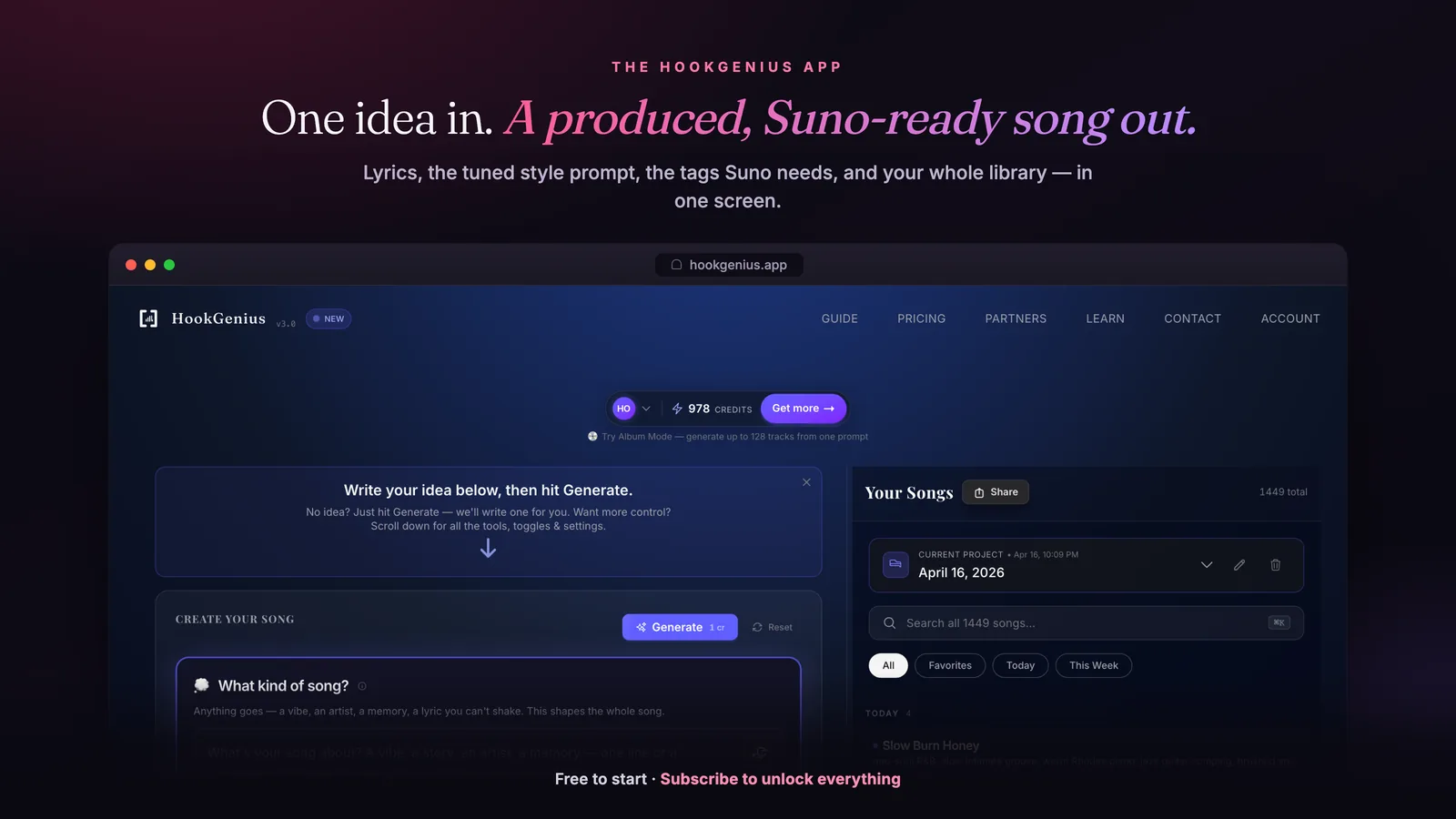
HookGenius is the pre-production engine for AI music — the professional prompt, lyrics, and title generator creators use to get the best output from Suno and other AI platforms.
![A real HookGenius result — formatted lyrics ([Female Vocal — smoky alto], [Verse 1] 'You pour yourself like Sunday morning…') and a matching Suno style prompt, with a 'Copy for Suno' button ready to paste.](/app-gallery/output.webp)
Try It Free — 5 Songs Included
Generate complete lyrics + style prompts optimized for Suno. Sign in with Google, see results in 30 seconds.
Generate Your First SongCopy/Paste Prompts
indie pop, dreamy female vocals, layered harmonies, shimmering synths, lo-fi warmth, nostalgic, 95 BPM, polished mix, wide stereo, emotional
trap, aggressive male rap, dark atmosphere, 808 bass, hi-hat rolls, 145 BPM, hard-hitting, professional mix
jazz, smooth saxophone, upright bass, brush drums, intimate, warm, 120 BPM
cinematic orchestral, sweeping strings, brass fanfare, timpani, epic trailer music, heroic theme, powerful crescendo, wide stereo, professional mastering, 90 BPM
[Verse 1]
Four lines of verse
Each line 4-8 words
Natural breathing points
Clear phrasing

[Pre-Chorus]
Two lines building
Toward the hook

[Chorus]
Catchy hook line
Repeat the core idea
Memorable melody

[Verse 2]
New perspective, same energy
Four more lines
Keep the momentum
Driving forward

[Chorus]
Catchy hook line
Repeat the core idea
Memorable melody

[Bridge]
Something different
Emotional shift

[Chorus]
Catchy hook line
Repeat the core idea
Memorable melody

[Outro]
(Fade)
Common Mistakes
- Overrunning the style field: v6 holds 1,000 characters for the style prompt (the retired V4 truncated around 200). A concise, front-loaded prompt beats a cluttered one — Suno weighs your earliest tags most.
- Putting production direction in the lyrics field: The lyrics field is for singable text and bracket tags. Production, genre, and mood belong in the style prompt field.
- Writing a novel in the lyrics: The hard cap is 5,000 characters on v6, but past ~3,000 characters (60+ lines) Suno tends to rush, skip sections, or shorten the output. ~3,000 is the quality sweet spot even when the box allows more.
- Using the title field for prompting: The title field doesn't significantly affect the musical output. It's just the name that appears in your song list.
- Repeating the same tags across both fields: Putting "pop, upbeat" in both style prompt AND lyrics wastes characters. Use each field for its intended purpose.
Quick Fixes
| Problem | Fix |
|---|---|
Style prompt being truncated |
v6 holds 1,000 characters, so the prompt ran past it. Prioritize: genre, vocal type, mood, 1-2 instruments, BPM. Drop adjectives first. |
Lyrics output is cut short |
Reduce lyrics to 30-40 lines max. If you need a longer song, use Suno's extend feature to continue from the endpoint. |
Important tags being ignored |
Move the most important tags to the BEGINNING of your style prompt. Suno weighs early terms more heavily. |
Output doesn't match the prompt at all |
Check your model + character count. v6 gives you 1,000 characters; past that the prompt loses its tail and key terms may be truncated. Front-load the essentials. |
Song much shorter than expected |
Add more lyrics (aim for 30-40 lines) and include multiple sections ([Verse], [Chorus], [Bridge], etc.) |
Try It Yourself
See What HookGenius Generates
HookGenius doesn't paste your words into a template. It has a full AI songwriter that absorbs your direction and writes from scratch — genre-tuned lyrics, vocal direction, structure tags, and production style in one generation.
Album mode, artist DNA fingerprinting, pronunciation engine, and critic pass quality scoring. The depth a year of building produces.
Generate Free — 5 Songs IncludedFrequently Asked Questions
What is the Suno style prompt character limit?
Suno v6 is the only model since 9 September 2026, and its Style field holds 1,000 characters. (The retired V4 held about 200.) The limit is set by the model you generate with, not your subscription tier. Either way, front-load your most important genre, mood, and vocal tags — Suno weighs earlier terms more heavily. For a filled-in example, see how to write a Suno style prompt.
How long can Suno lyrics be?
Suno's lyrics box holds 5,000 characters on v6, the only model since 9 September 2026. (The retired V4 held 3,000.) As a practical best practice, ~3,000 characters (roughly 40-60 lines) is the sweet spot before Suno tends to rush or shorten a song, even though the hard cap on current models is 5,000. Too few lyrics (under 15 lines) typically produces a shorter output.
Does Suno have a song length limit?
A single Suno generation produces approximately 1-4 minutes of audio, depending on your lyrics length and style. For longer songs, use Suno's "Extend" feature to continue from the endpoint. There's no hard maximum for extended songs, but quality tends to degrade after many extensions. Most users find 3-4 minutes optimal per generation.
Does the Suno character limit depend on the model version or your subscription tier?
Model version, not tier. Suno V4.5 raised the field limits across every plan: the lyrics box went from 3,000 to 5,000 characters, the style field from 200 to 1,000, and the title from 80 to 100. A free or paid account on the same model has the same limits. Every model Suno now offers gives you the full 5,000. For the style field, still front-load: genre, vocal direction, mood, 1-2 instruments, BPM — a concise 100-character prompt often beats a cluttered one.
Do negative prompts work in Suno?
Suno has limited negative prompt support. You can use the "Negative Style" or "Exclude" field (where available) to specify what you DON'T want: "no vocals," "no drums," "no autotune." In the main style prompt, negative phrases like "no percussion" sometimes work but are less reliable than positive direction. It's generally better to describe what you WANT than what you don't want.
Go Deeper
The Suno Mastery Guide
61 genre deep-dives, 150+ tags + 80-term glossary, 41 artist profiles, v5.5 walkthrough, monetization playbook. 412 pages + 25 HookGenius credits.
Get the Mastery Guide — $29 →Free Tools
Stop Losing Prompts to Suno’s Character Limits
Suno silently truncates whatever runs past your model’s field caps — and front-loading the tags that matter is the difference between a track that lands and one that doesn’t. HookGenius is the prompt engine professional Suno creators use — built on a prompt-engineering pipeline refined across 50+ genres.
Try HookGenius Free — 5 generations, no cardThe full playbook: 412-page Suno Mastery Guide — $29 + 25 credits.